OPERATION
1. Make sure the device is unplugged from power.
2. If you’d like to use a gigabit Ethernet connection (only for models with an Ethernet
port), connect the device to an Ethernet switch using a CAT6 Ethernet cable. Ethernet
cables of a lower standard than CAT6 may result in a lower speed connection.
3. If desired, connect the device to a computer monitor or a TV using the HDMI port.
4. Attach one or two USB 2.0 external 2.5” portable drives to the device. (Note: USB 3.0
drives can also be used. However, they will operate at USB 2.0 speeds.)
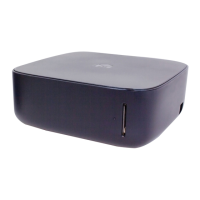
5. Turn the device on by plugging in the power. The device will power on in less than a
minute and the light in front will start blinking blue.
6. Install the Monument app on your smartphone or tablet. Go to
www.getmonument.com/apps to find the right app for your mobile device. Install and
launch the app, and follow the instructions.
INITIAL SETUP


 To Next Page