Need help?
Do you have a question about the Mooer GE 200 and is the answer not in the manual?
Adjusts the master volume output of the GE200.
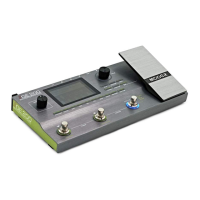
Includes footswitches and expression pedal functionality.
Connects external audio sources like MP3 players and instruments.
Includes USB for PC connection and DC power input.
Toggles assigned effects blocks on/off.
Controls the tempo of delays via footswitch taps.
Configuration and calibration of the built-in expression pedal.
Assigns effect parameters, calibration, or merge functions to the pedal.
Manages looper functions using footswitches.
 General
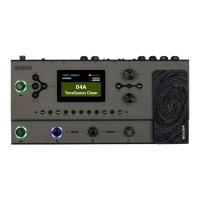
| Type | Multi-effects processor |
|---|---|
| Amp Models | 55 |
| Looper | 52 seconds |
| Presets | 200 |
| Cabinet Simulations | 26 |
| Display | 3.5-inch color display |
| Inputs | 1/4" instrument input |
| Outputs | 2 x 1/4" (main out), 1 x 1/8" (headphones) |
| MIDI | In/Out |
| Power Supply | 9V DC |
| Weight | 1.4Kg |
| Software | Mooer Studio |
| Expression Pedal Input | Yes |

 To Next Page