05
Instructions
Pressandholdthepowerswitchfor1second.ReleasetheswitchwhenyouseetheLEDturnon.
TheswitchLEDwillturnonandoffforthreetimes,afterthat,youcanstartplaying.
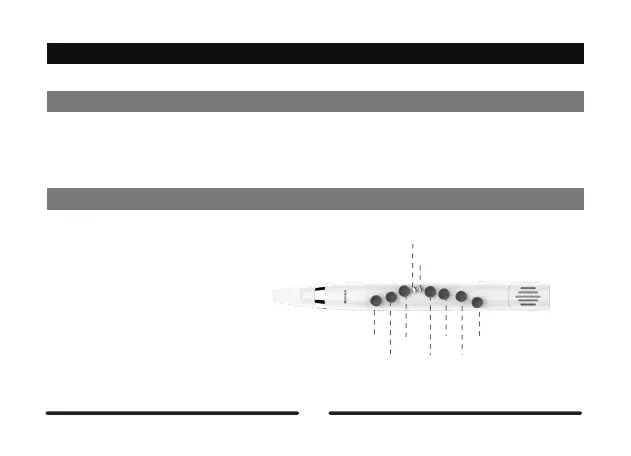
L1
L2
L3
Slide
Tremolo
R1
R2
R3
R4
Start
Play
PutyourlefthandfingersonL1-L3and
putyourrighthandfingersontheR1-R4.
Theleftlittlefingercontrolsthetwoskill
keys(slip/tremolo).
Notes:Fordetailedinstructions,referto
theplayingskillsection.



 To Next Page