06
Toneselection
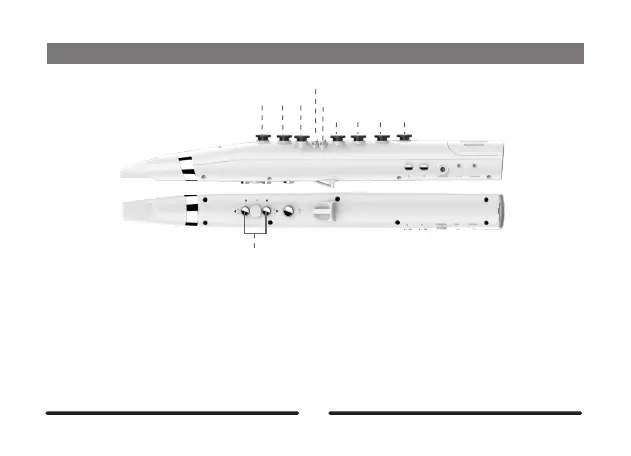
PressthefunctionkeyandL1/L2simultaneouslytoselectatone.TheWi100providesupto7
presetslotstostoreyourtonepreferences.Youcanswitchbetweendifferentinstrumenttonesin
thecontrolApp.Inthetoneselectionmode,the7switchLEDwillbeonandin7differentcolors.
VolumeAdjustment
PressthefunctionkeyandR1/R2simultaneouslytoadjustthevolumelevel.Thereare6volume
levels(displayedas0-5intheApp).0forminimumvolumelevel;5formaximumvolumelevel.
Setting
L1
Slide
Tremolo
L2 L3
R1 R2 R3 R4
Octaveup/down



 To Next Page