RIY
The Interface Solution Experts
11
RIY
(with LCD)
2
4
+PS
–PS
12-42 VDC
POWER
SOURCE
+
–
1
3
(SEE NOTES)
NOTES: 1.
2.
The RIY m ust be equipped with an LCD to perform quick ranging.
The input is ignored when the unit is configur ed for quick ranging.
The RIY can be set up for reverse output using quick
ranging. To do this, simply increase the zero setting
beyond the full-scale setting, and decrease the full-
scale setting below the zero setting. When the zero
and span output settings cross one another, reverse
output is achieved. The reverse output setup is
accomplished while selecting the zero and span
settings in the upcoming procedure.
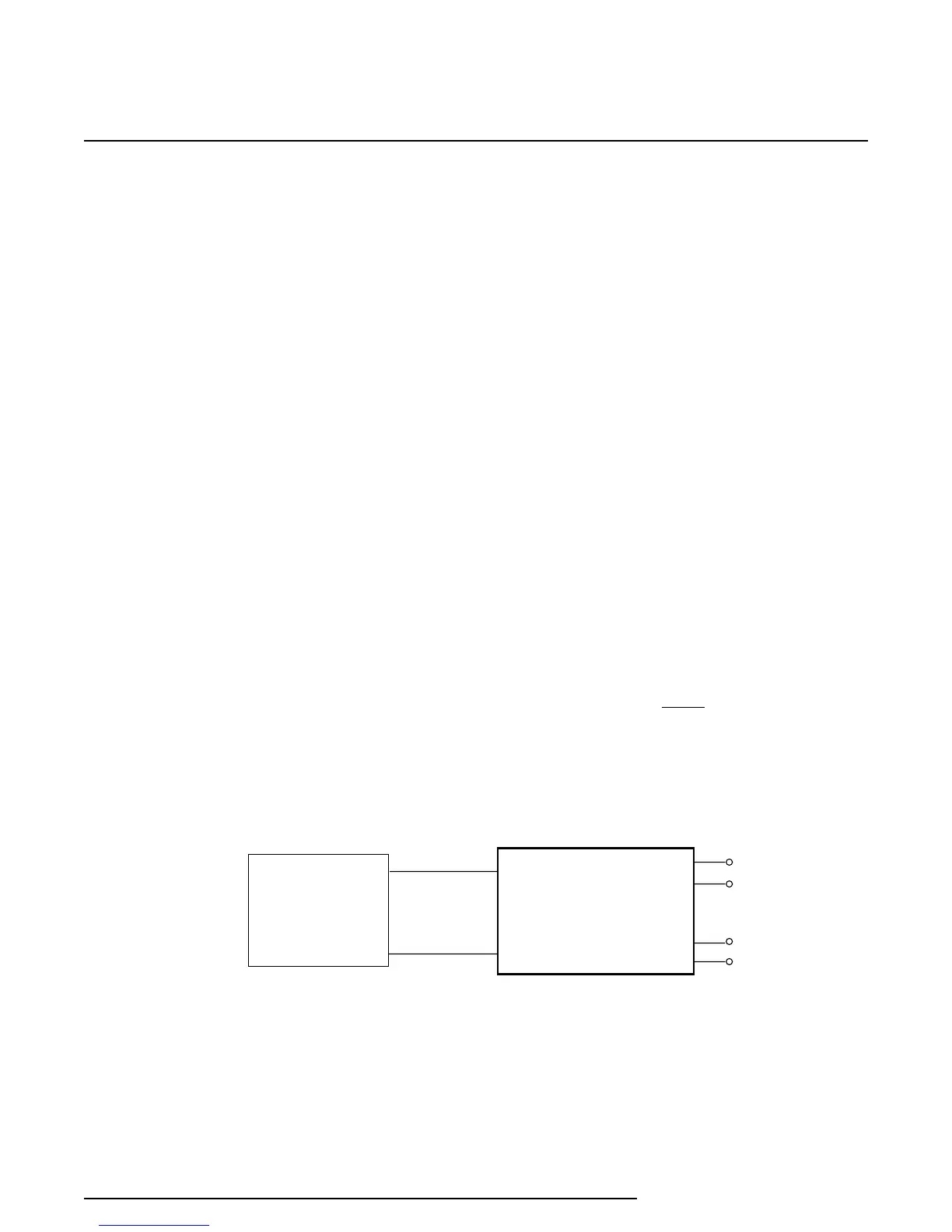
Figure 5 illustrates the dc power hookup required to
perform quick ranging of the RIY.
If the unit is configured for standard ranging, the
display will continually flash the applied input value
when the Up and Down arrows are pressed simulta-
neously to enter the calibrate mode. Pressing the Up
or Down arrows will have no affect on the displayed
value. This reaction indicates that the unit is NOT
configured for quick ranging.
Quick Ranging Procedure
1. Set range and other configuration switches for the
required RTD or ohms input, as necessary (refer
to figure 2 and table 2).
NOTE
Switch SW301-5 must be set to the ‘on’
position to perform quick ranging, and
set SW301-6 to the ‘off’ position for units
with this switch functional for keyboard
enable.
The settings entered during calibration are stored in an
EEPROM when the SAVE push buttons are pressed.
These setting are retained until a subsequent calibra-
tion (quick or standard ranging) is performed. If the
latest settings are not saved before removing power, or
if the CANCEL push buttons (both Down arrows) are
pressed simultaneously, the unit will revert to the
previously saved values.
Quick Ranging Overview & Setup
Quick ranging is a unique feature that allows the user
to calibrate an RIY equipped with an LCD, without the
use of an input source or an output monitoring device.
With switch SW301-5 set to the ‘on’ position and
SW301-6 is set to the ‘off’ position, a 12-42 Vdc
power source applied to the +PS and –PS terminals
of the RIY is all that is required to perform quick
ranging. The front-panel push buttons are used to set
zero and span (full-scale) values to user-selected
input settings that yield the desired zero- and 100-
percent outputs. The user selected values are
displayed on the unit’s LCD.
When quick ranging is selected, the RIY ignores any
input applied to the input terminals. The zero-percent
output will be 4 mA for whatever value zero is set to
with the ZERO push buttons, and the 100-percent
output will be 20 mA for whatever the full-scale value
is set to with the SPAN push buttons.
Figure 5. Quick Ranging Hookup Diagram


 To Next Page
 Loading...

