RIY
The Interface Solution Experts
3
order number under which the unit was shipped. This
information assists our factory representative in
providing you with the answers you need as efficiently
as possible.
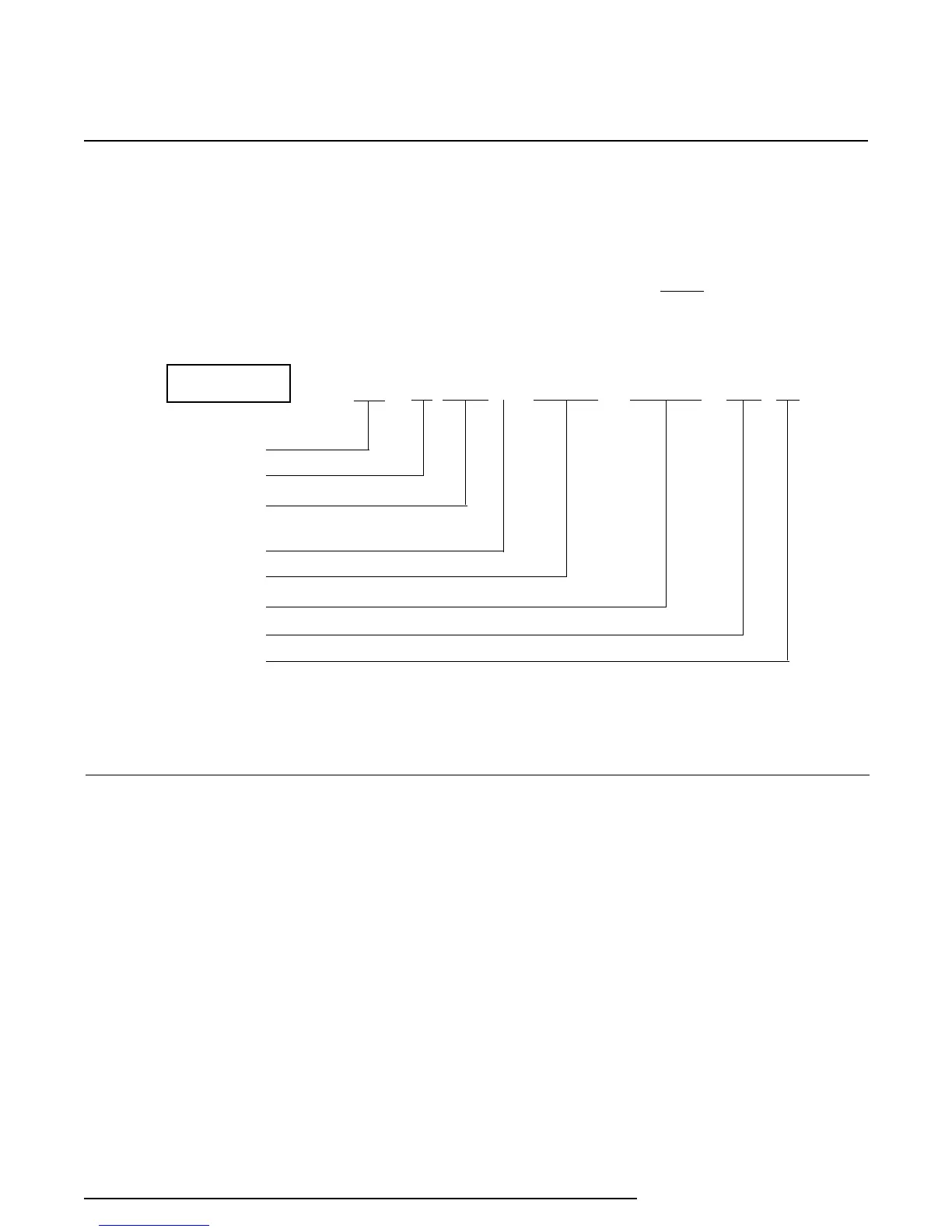
The following example identifies the significance of
each field of the RIY model number. Refer to this
example in deciphering the model number of your
RIY.
NOTE
Consult the factory for availability of
specific configuration options.
Unit Type
Input Code
1
Calibration Value
2
Input Units of
Measure
3
Output
Power
Option(s)
Housing
RIY / R0-0-100 C / 4-20MA / 12-42DC / -ND [HP]
EXAMPLE
1
Table 2 lists the input range for each model number Input Code.
2
Indicates the input range used for factory calibration.
3
F, Fahrenheit; C, Celsius; OHMS, ohms
Using the Push Buttons
The RIY is equipped with a membrane panel that
contains four tactile push buttons used to set zero
and span (full-scale). Figure 1 shows the layout of
the membrane panel for both the HP- and DIN-style
units. Each push button is labeled with an Up or
Down arrow inside a circular background that is
contoured to the membrane-panel surface.
The functions of the push buttons are labeled
“ZERO”, “SPAN”, “SAVE”, and “CANCEL”. When the
arrows are pressed individually or in certain simulta-
neous combinations, one of these four functions is
affected.
Calibration
Prior to shipment, every RIY is factory-checked using
automated test equipment. Duplication of the factory
check is not expected nor intended for the field.
However, field calibration procedures involving use of
the front panel push buttons and the configuration
switches are described in this section for field applica-
tions.
Both the HP- and DIN-style housings are available
with the same options, and they have the same push
button and switch arrangements. The following
descriptions of the push buttons and configuration
switches pertain to both housing styles.



 To Next Page