9.1.3 Set up patrol
Multiple patrol paths can be set up with different
names. To set up the patrol path, users must tap the
“path” symbol in the App and manually control the robot
to create the desired path. The patrol path setup must
start with Scout in its charging station. The charging
station is coordinates (0,0). When Scout goes back to
its charging station whether autonomously or guided by
users, the patrol path will be saved. Scout will
remember it, follow the path to patrol whenever needed
and go back to its charging station once the job is
complete. The video of each patrol can be stored locally
onto the flash memory inside Scout. When enabled in
the setup and human bodies and/or pets are detected,
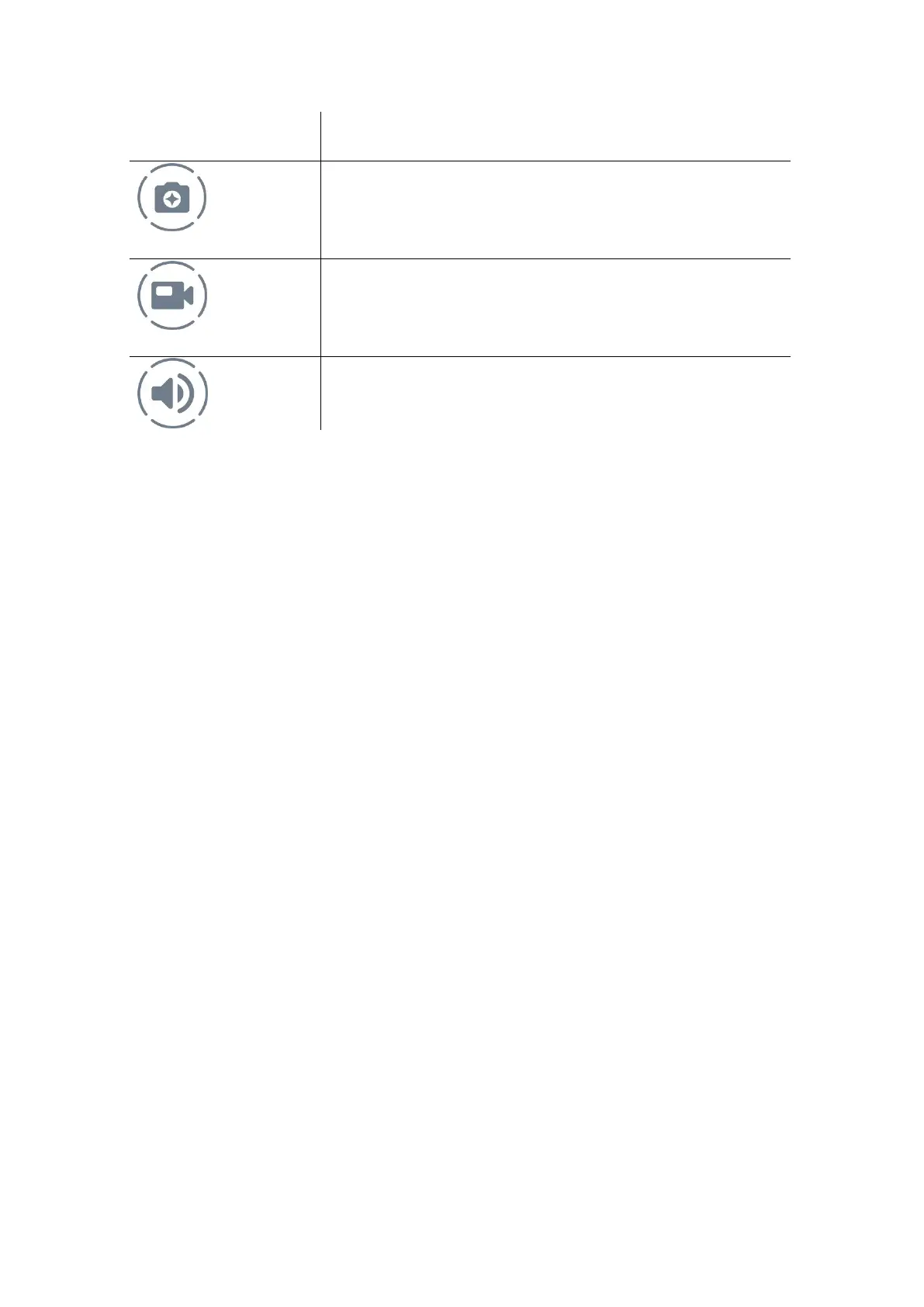
Take a photo and store in local
memory.
Record video clip and store in local
memory.
Enable and Disable speaker.


 To Next Page