Changing your Personal Authorization Code (PAC)
Your system has the capacity to be programmed with four dierent Personal Authorization Codes. Each one
may be added or changed as necessary. The system requires the mandatory entry of ve digits when pro-
gramming Personal Authorization Codes. To have a shorter code, you must add trailing zeros to complete
the mandatory ve digits. The trailing zeros are only used to complete the code and will not become a part
of your Personal Authorization Code. For example, if you enter 78900 when programming, your Personal
Authorization Code would be 789 when arming the system or commanding other functions.
Once you have entered the programming mode, you should complete the entire procedure pausing no
more than six seconds between digits or else a two second error tone will sound. If you hear the error tone
or make an error while programming, press the ‘*’ key a number of times until you hear three beeps. This
means the system has left the programming mode and you must restart the procedure from the beginning.
WARNING: Pressing the * key or failing to complete the procedure within the allotted time may result in er-
roneous operation of that code. Therefore, you MUST start the procedure over from the beginning.
1. The system must be disarmed.
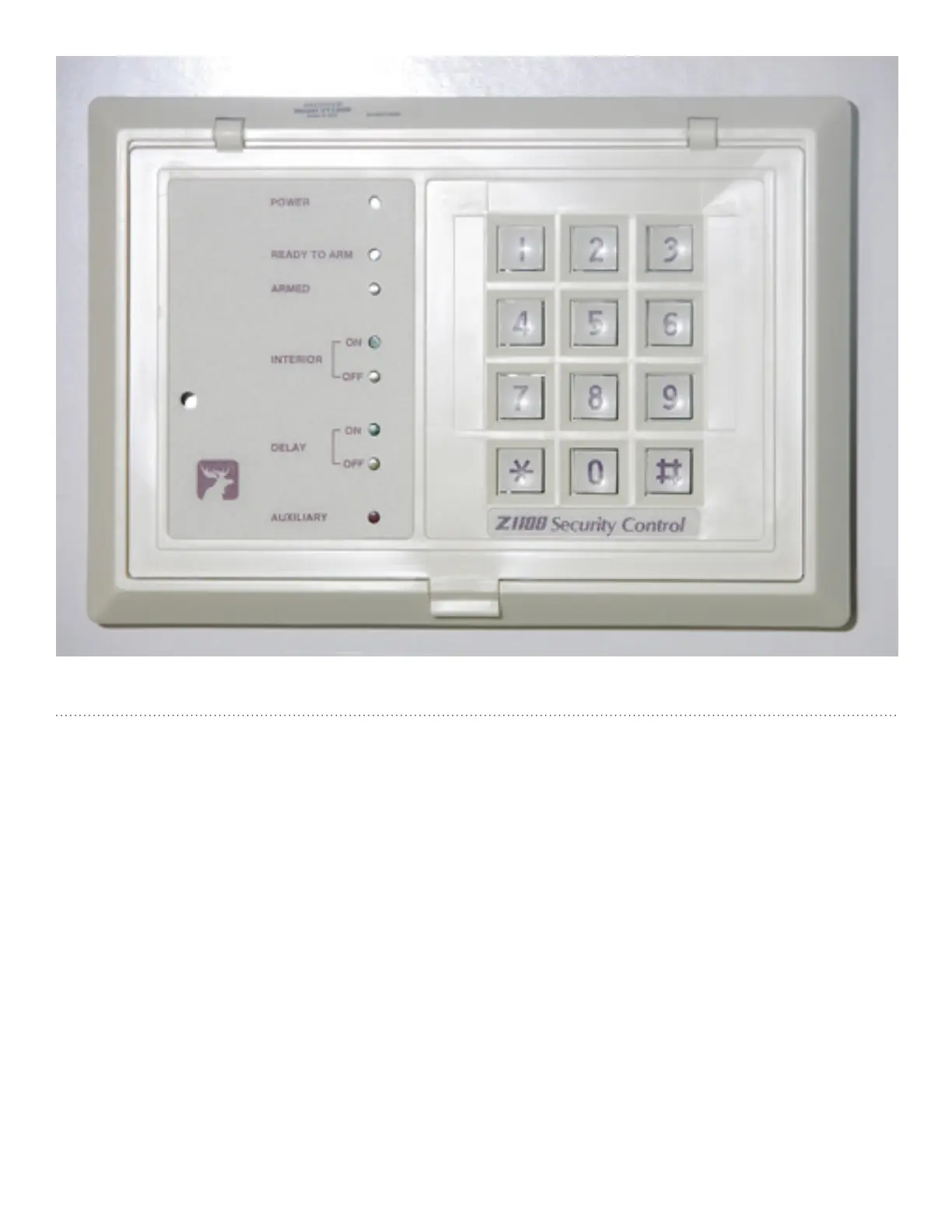
2. Press the PROGRAM command (9) and enter the Master Programming Code. Four beeps.
3. Press the number corresponding to the Personal Authorization Code you wish to program. Then
press the # key, 3 beeps
Press 1 to program PAC1
Press 2 to program PAC2
Etc to 4



 To Next Page