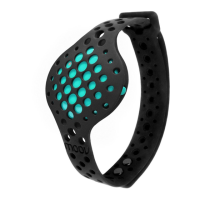
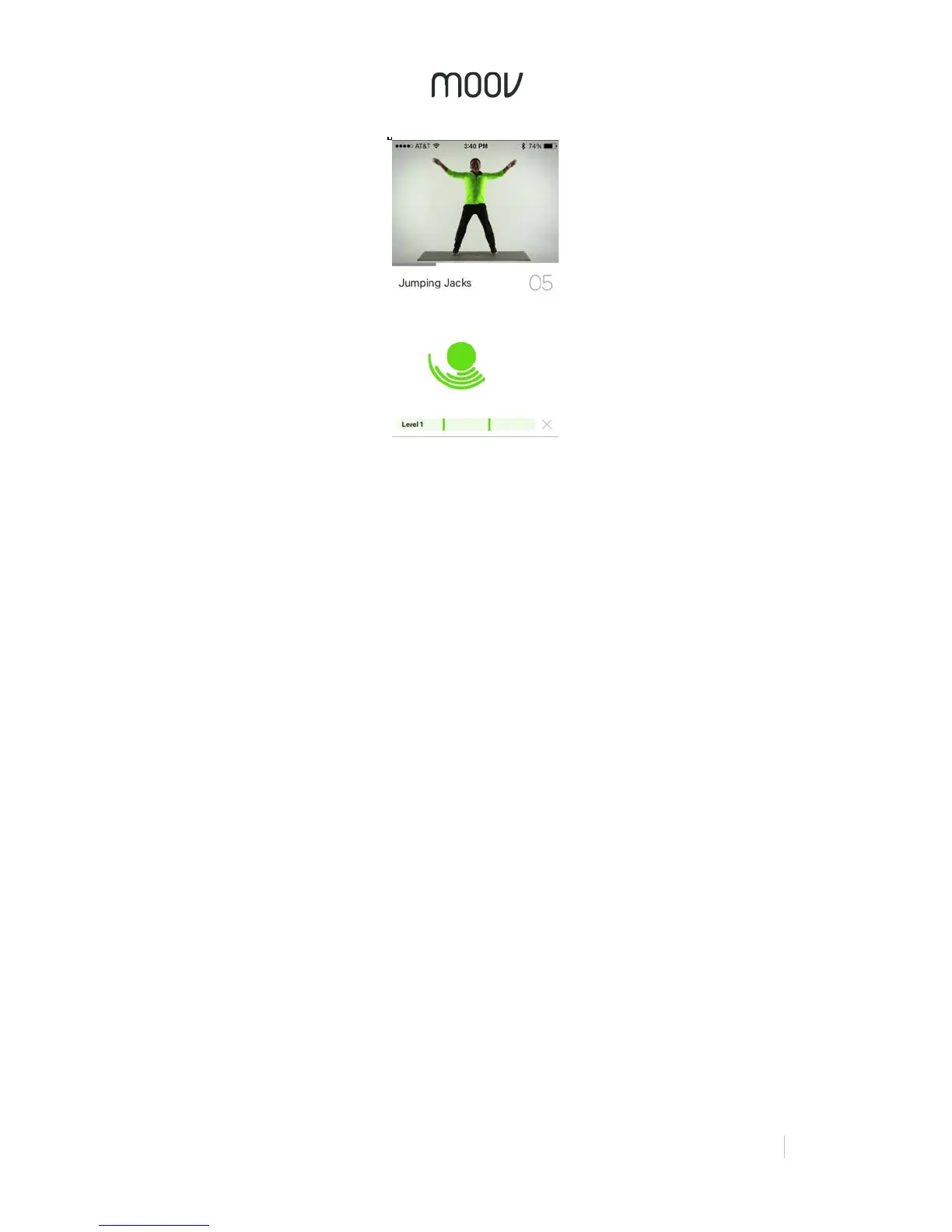
For every exercise, there is a video instruction at the top of the screen, as well as
audio coaching on form. The closer you follow the coach, the more accurately Moov
will be able to count your reps. When Moov asks, “Ready?” it detects whether a
stable start position has been achieved, and then tells you to start once your position
is steady.
Moov counts your reps and pushes you on to the next exercise once you have
completed all of the reps required for that set. You can see how Moov is registering
your movement by the Motion Indicator on the screen. As you do a rep, the Motion
Indicator wraps around the center circle to show that you have done the rep
completely. The circle in the center may turn red occasionally. This is to indicate that
Moov has detected improper form or cheating.
Activity Report
Once you complete the workout, you will be given an Activity Report. This report tells
you the time duration of the workout, the total number of reps completed, and
calories burned. You will also be shown each set and whether you passed, as well
as a breakdown of each exercise and how many reps you completed in relation to
how many were required for that level.


 To Next Page
 Loading...