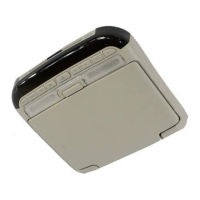
If you encounter a problem, please turn the power off, then
on again. If the unit is still not functioning normally, please
review the items in the following checklist.
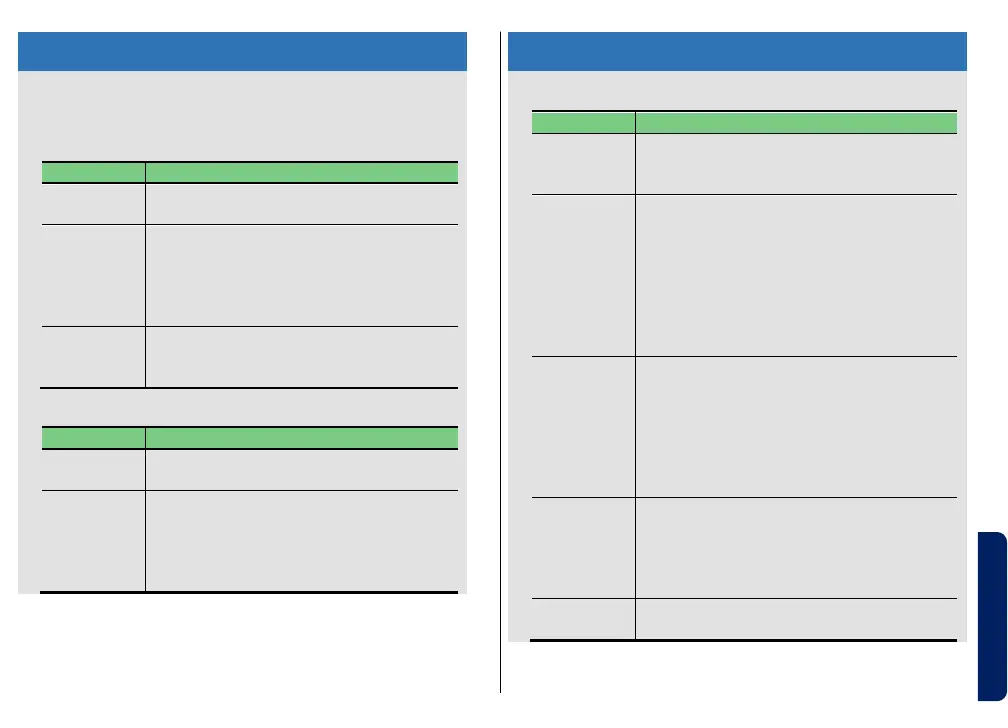
• Check the disc and load it with the
labeled side upward
• Re-insert the disc
• Clean up the disc
• Change the disc if the disc has damaged
• Increase the volume of the head unit
• Check the DVD player whether it is
playing or not
Unable to
pair or
connect
• Use the remote within 3m from the DVD
player
• Check the DVD player whether it is
power on
• Try to pair again with the DVD player
Headphones
don’t power
on
Unable to
pair or
connect
• Use the headphones within 3m from the
DVD player
• Disconnect the USB charging cable
• Check the DVD player whether it is power
on
• Connect another Bluetooth device
(Smartphone)
• Clear the pairing list and try to pair again
• Turn on the headphones and charge the
battery
• Increase the volume of the headphones
• Check the DVD player whether it is
playing or not
• Connect another Bluetooth device
(Smartphone)
Sound is
interrupted
or noise
sound
• Try to connect another music device
• Move the headphones closer to the DVD
player
• Increase or decrease the volume of the
headphones
• Securely connect the USB charging cable
• Change another charging source


 To Previous Page
 Loading...