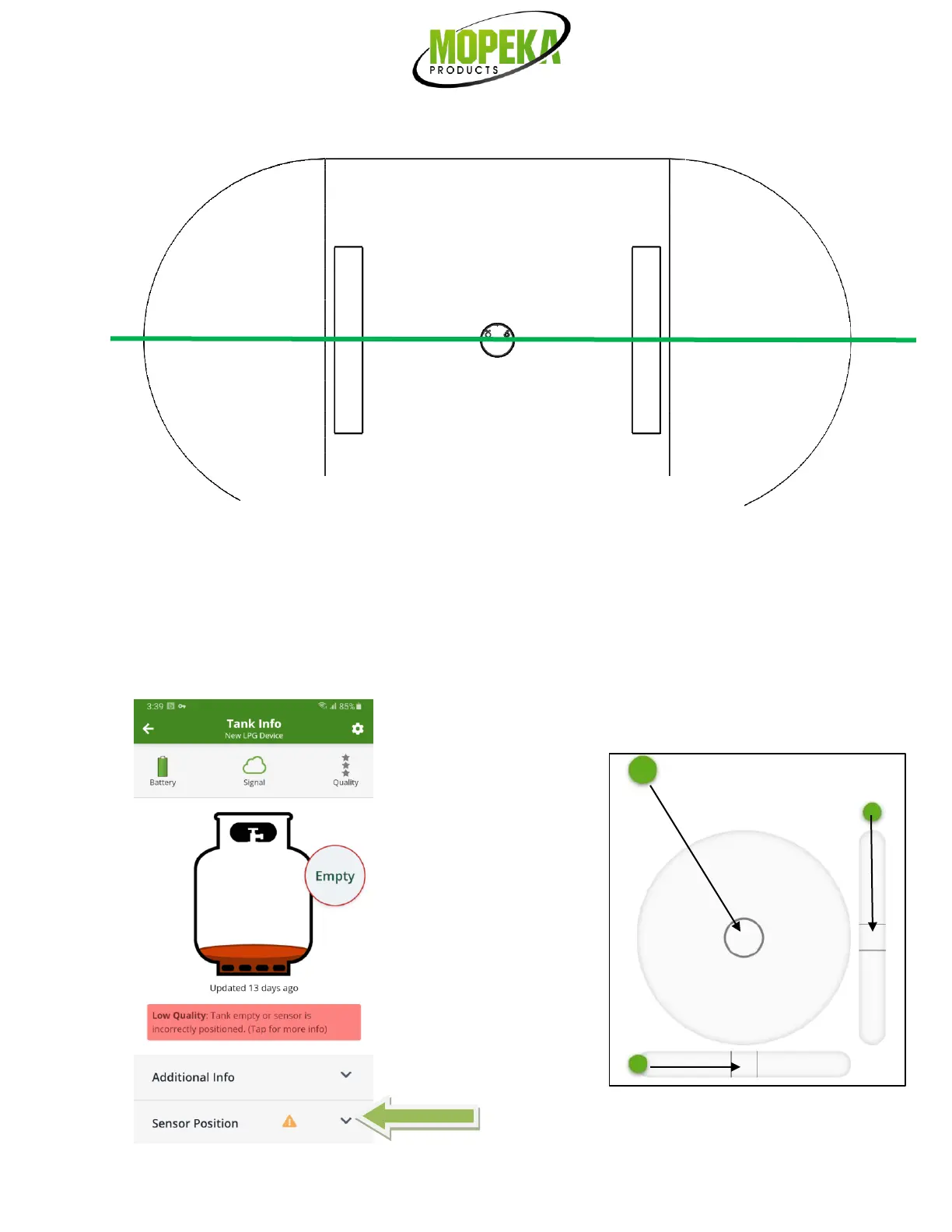
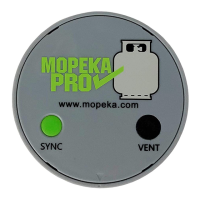
32. Use the Sensor Position option on the sensor’s home page in the app, as needed, to ensure proper position on
the tank. When installed correctly, the sensor will be level to the horizon. The Sensor Position tool works like a
bubble level. The dots move as the sensor is tilted from horizontal level position. If the dots in the tool do not
line up to the center of the graphic, adjust the sensor position until it lines up. Note: If sensor must be
repositioned multiple times, sonic grease may need to be reapplied.


 To Next Page