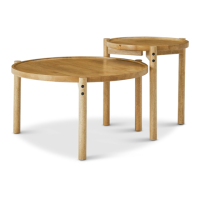
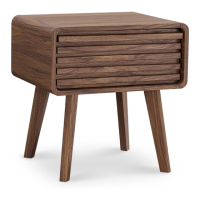
ENSLEY SIDE TABLE | 09
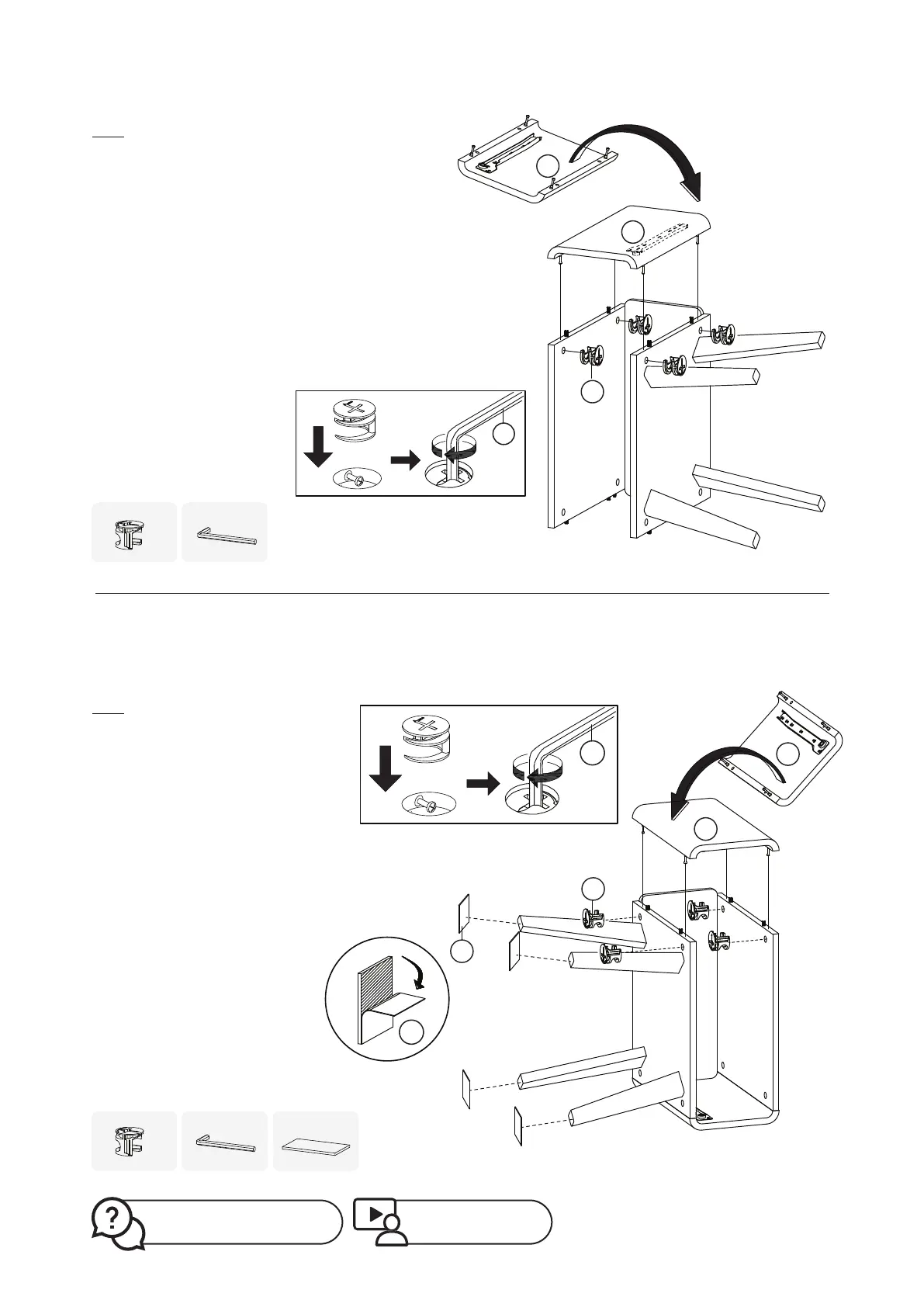
Step 5
Step 6
You may require an extra pair of
hands to complete this step. Gently
flip the table and let it stand with
board No.4 facing the floor.
On the other side of table top body,
install board No.3 with the position
indicated in the illustration.
Engage cambolts previously
installed on board No.3 into holes
on the table top body. Insert
camlock B to the positions
illustrated and tighten them with
the Allen key provided.
Peel the floor protector sticker L
and attach to the end of the legs.
You may require an extra pair of hands
to complete this step.
Install board No.4 to the side of table
top body. Please take note carefully the
correct position for placing the board
No.4, according to the illustration.
Engage cambolts previously installed
on board No.4 into holes on the table
top body. Insert camlock B to the
positions illustrated and tighten them
with the Allen key provided.
F
x1
B
x4
B
x4
F
x1
L
x4
4
4
B
F
3
3
B
L
L
F
Missing parts? Or feeling stuck?
Contact us at help@mopio.com.
Watch demo video at:
https://bit.ly/36WUTt2


 To Next Page