13
Two stages can be maximumly set. If one stage is
defrosting, it should be put in the fi rst stage. The buzzer
will ring once after each stage and the next stage will
begin.
Note: Auto menu cannot be set as one of the multi-stage.
Example: if you want to defrost the food for 5 minutes,
then to cook with 80% microwave power for 7 minutes.
The steps are as following:
1) Press »Time Defrost« twice, the screen will display
»dEF2«
2) Turn »Jogger« to adjust the defrost time of 5 minutes
3) Press »Microwave/Grill« once
4) Turn »Jogger« to choose 80% microwave power till
»P80« displays
5) Press »Confi rm« to confi rm
6) Turn »Jogger« to adjust the cooking time of 7 minutes
7) Press »Start« to start cooking
1) Press »Kitchen Time«, LED will display 00:00
2) Turn »Jogger« to enter the timer time. The maximum
cooking time is 95 minutes.
3) Press »Confi rm« to confi rm setting.
4) When the timer time arrives, the buzzer will ring 5
times. If the clock has been set (24-hour system), LED
will display the current time.
Note: The kitchen time is di erent from 24-hour system.
Kitchen Timer is a timer.
1) In waiting states, turn »Jogger« right to choose the
menu from »A-1« to »A-8«;
2) Press »Confi rm« to confi rm the menu you choose;
3) Turn »Jogger« to choose the food weight;
4) Press »Start« to start cooking;
5) After cooking fi nishes, the buzzer sounds fi ve times.
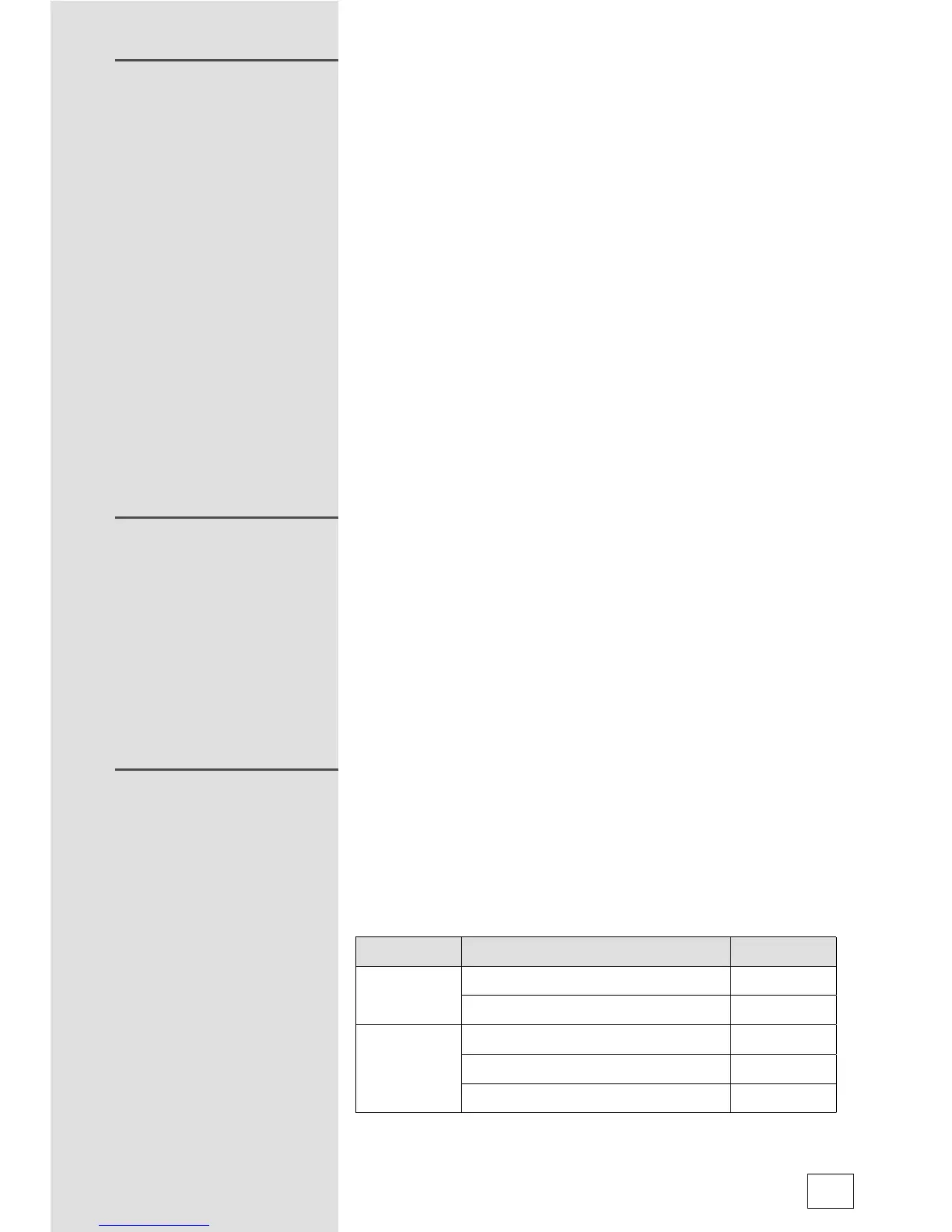
Menu Weight Display
A-1
Pizza
200g 200
400g 400
A-2
Meat
250g 250
350g 350
450g 450
MULTI-STAGE COOKING
KITCHEN TIMER
AUTO MENU



 To Next Page