© More 2022
more.com.au
9
| FTTC Connections
Step 1
Locate the telephone wall socket in your property that has been activated for NBN. Please note that there may
be multiple telephone wall sockets in your property.
Step 2
Disconnect all equipment from your telephone sockets. This includes phones and fax machines plugged in
around the property. These devices will interfere with the NBN signal.
Step 3
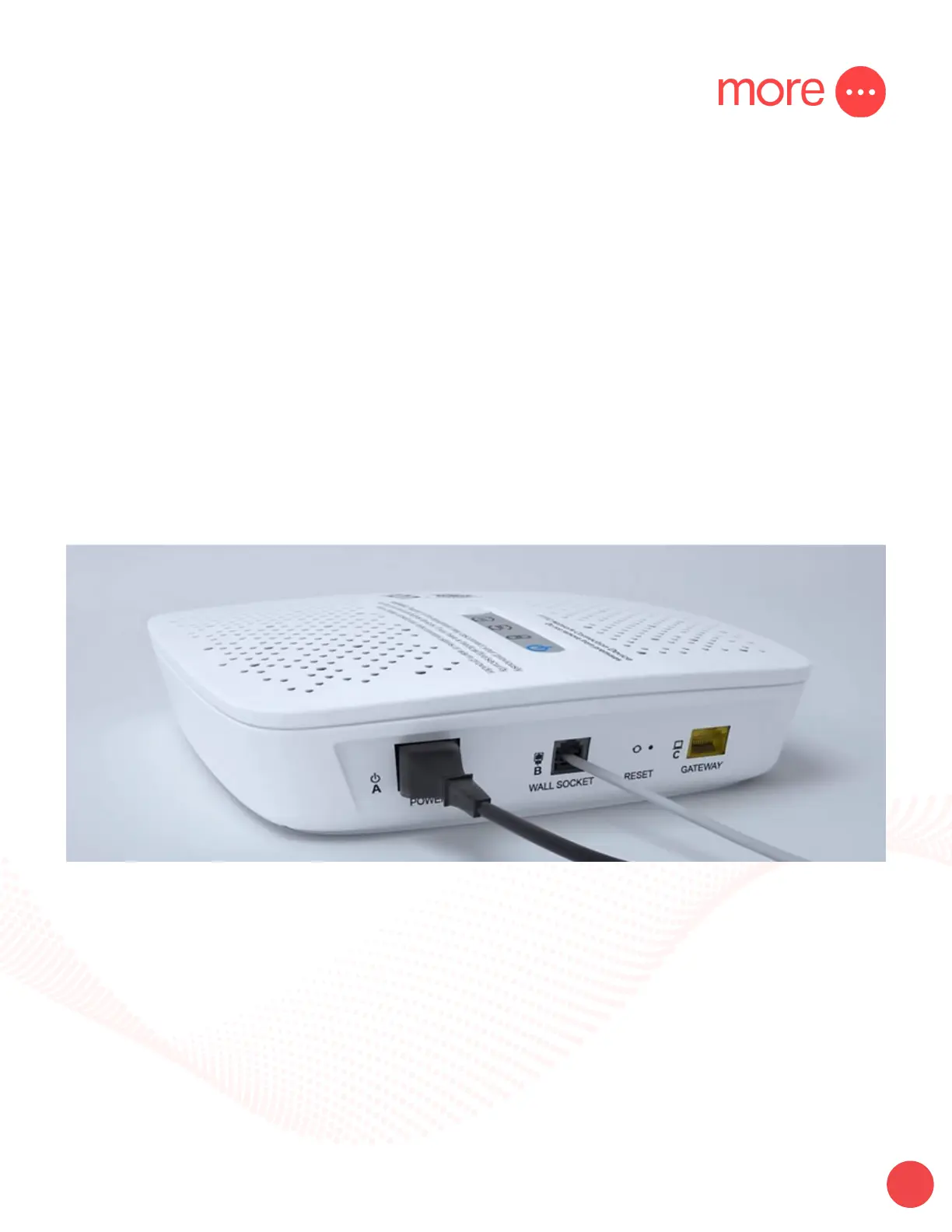
Locate the NBN Connection Device (NCD). Connect the NCD to the telephone wall socket that has been
activated for NBN and power it up.
Wait for the connection light and DSL light on the top of the NCD to turn solid blue. This may take up to 15
minutes to complete. If the lights do not turn solid blue please get in touch with More technical support team.
Geing Started


 To Next Page