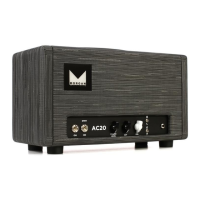
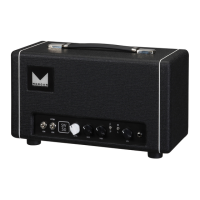
FRONT PANEL
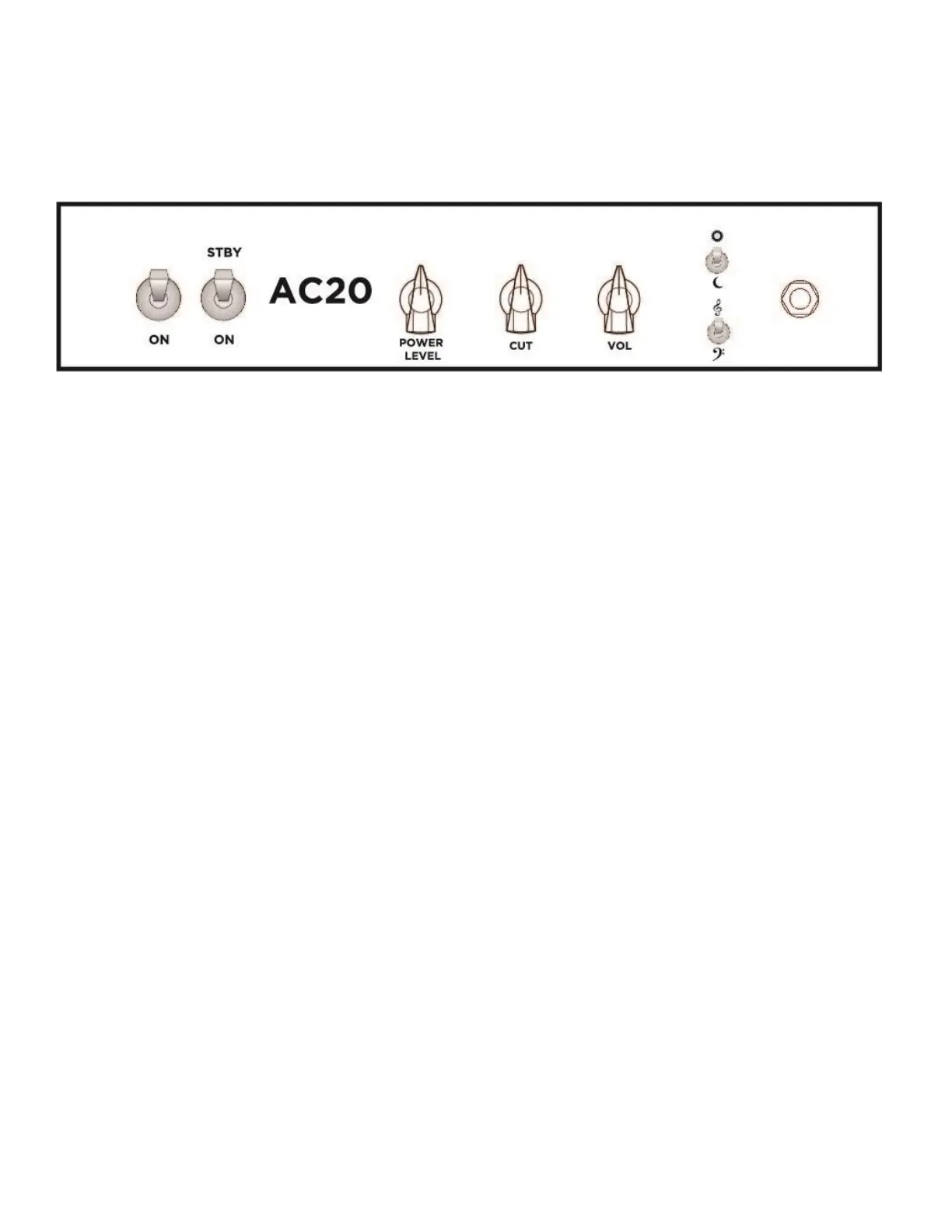
POWER SWITCH: Turn this ON to power the amplifier. Turn on this switch and the standby switch at the
same time for optimal tube life.
STANDBY SWITCH: Turn ON this switch to put the amp in play mode. This switch should be utilized to
put the amp into a wait state for extended periods of rest. It removes high voltage from your tubes.
Vol: This controls how much gain you have. As you increase it over about 10 o’clock you will be
increasing the amount of overdrive the amp has. Regardless of how high this volume control is, a clean
tone is available by simply turning down the volume control on your guitar.
Cut : Turning this knob counter clockwise will remove high frequencies from the power section of the
amplifier. Think of it as a tone control.
Power Level : Turning this knob counter clockwise will decrease the voltage available in the output
section of the amplifier. Think of this like a zoom lens for volume. It allows you to go between ¼ a watt
and 20 watts. Set your gain level with your Vol control and then lower the Power Level to the volume
you require.
Bright switch: (sun and moon) This switch in the up position adds high frequencies.
Bass and Treble switch: This switch cuts the bass when in the up position.
Modes: Bright switch down + bass/treb switch down = Normal Mode
Bright switch up + bass/treb switch up = Brilliant Mode
INPUT: This is where you plug your guitar cable in.


 To Next Page
 Loading...