20
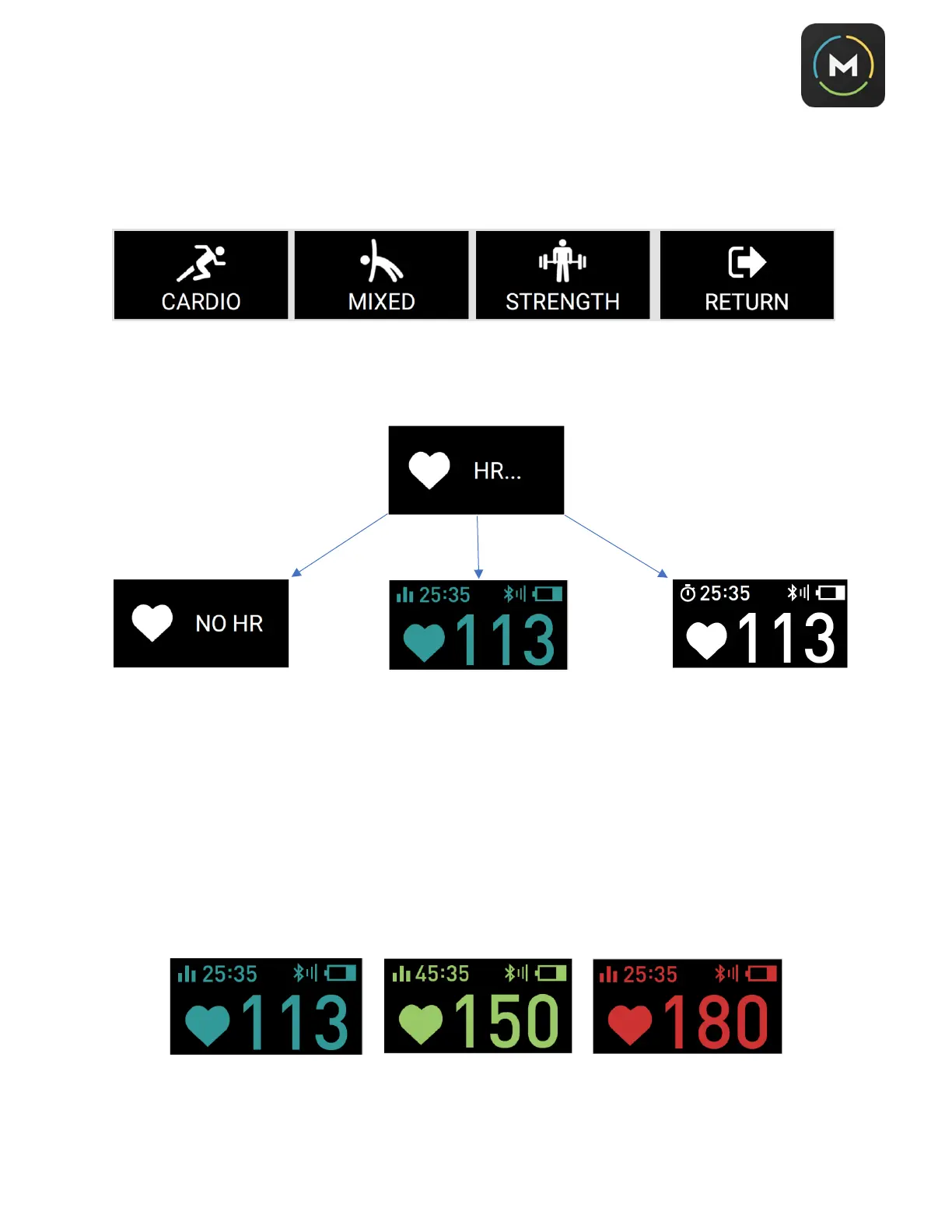
5. After you have confirmed your heart rate monitoring device, now it’s time to train. You will see one of
the Workout Type screens shown below. Use the touchscreen to toggle to
Cardio, Mixed
, or
Strength
. Press the side button to confirm your choice.
6. After you confirm your Workout Type by pressing the side button, the M5 will search for a heart rate
signal, either from itself or a device you previously paired in #4 above.
7. When you are in one of the 3 heart rate zones you will see the live heart rate number change colors to
reflect the zone you are in. In the upper left corner you will see the total time you have been in that
zone. In the upper right corner you will see your connection type (ANT or BLE) and the signal
strength. You will also see the battery life indicator icon for your M5.



 To Next Page