EasyManua.ls Logo

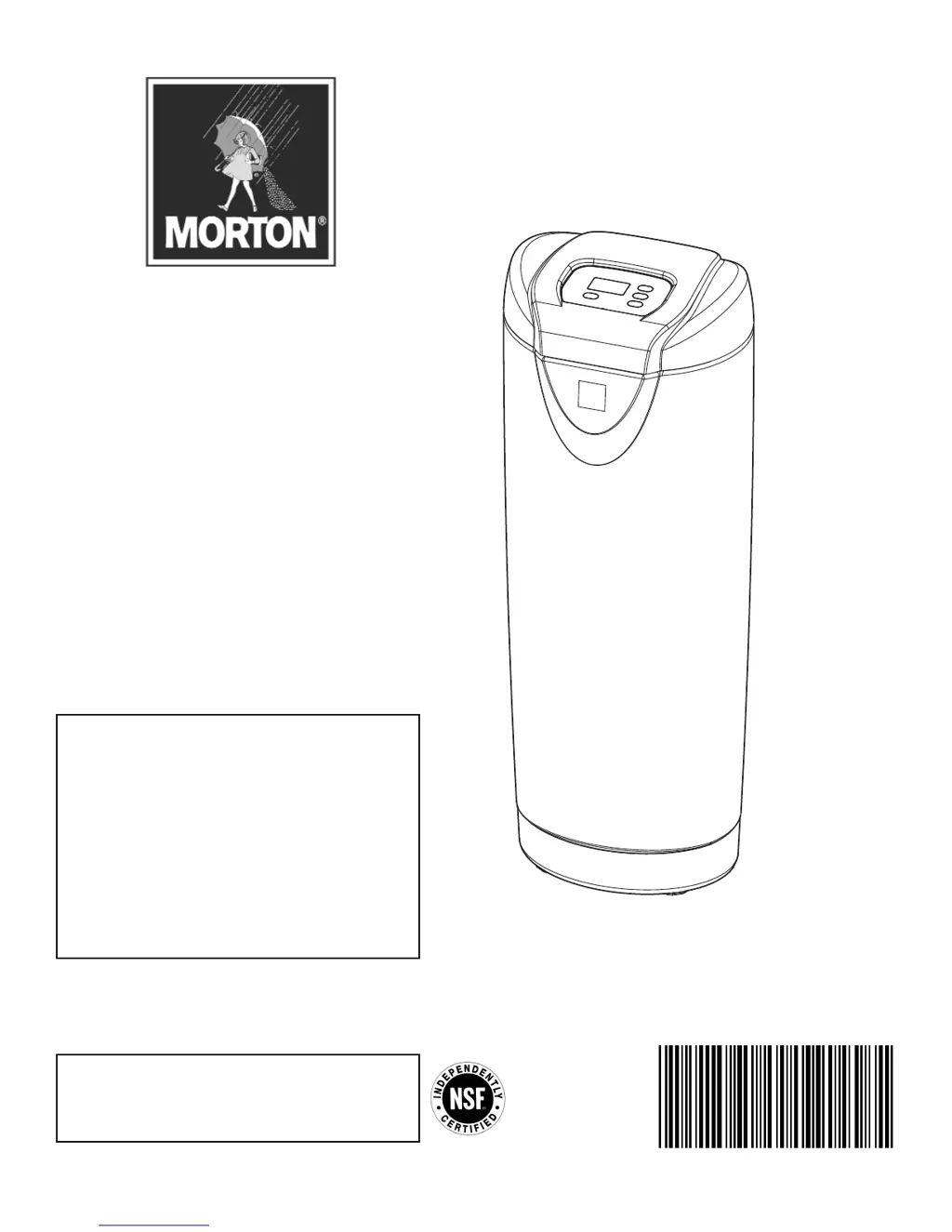
Morton MCWF - User Manual

Morton MCWF
23 pages
Print Icon
To Next Page IconTo Next Page
Loading...
7339955 (Rev. C 4/11/14)
How to install, operate and
maintain your Whole Home
Water Filtration System
If you have any questions or concerns when in -
stalling, operating or maintaining your Whole Home
Water Filtration System, call our toll free number:
1-888-64 WATER
(1-888-649-2837)
Monday - Friday, 8 AM - 7 PM EST
or visit www.systemsaver.com
When you call, please be prepared to provide
the model and serial number of your product,
located on the rating decal on back of the cover.
Do not return unit to store
Model MCWF
System tested and certified by NSF International
against NSF/ANSI Standard 42
for the reduction of chlorine taste and odor,
and certified to NSF/ANSI Standard 372.
Installation and Operation Manual

Questions and Answers

  • A
    Amanda ThomasSep 12, 2025
    Why is the water from my Morton Water Filtration Systems black or gray?
    • D
      duartecrystalSep 12, 2025
      If your Morton Water Filtration System is new, make sure you have completed the start-up procedure, or run consecutive Clean Rinse cycles until the water color returns to normal. If it's not a new system, the black or gray color may be due to normal abrasion of the filtration media; manually initiate a Clean Rinse cycle.
  • J
    James JohnsonSep 13, 2025
    What to do if Clean Rinse cycle does not run automatically in Morton MCWF?
    • C
      Charles ChaseSep 13, 2025
      If the Clean Rinse cycle isn't running automatically on your Morton Water Filtration System, and the display reads “VAC”, press and release the CLEAN button until the display no longer reads “VAC”. If the display is blank, check for a loss of power.
  • D
    Dr. Andrew WalkerSep 15, 2025
    Why doesn't the Clean Rinse cycle run at the programmed time of day on my Morton Water Filtration Systems?
    • J
      Joshua AndrewsSep 15, 2025
      If the Clean Rinse cycle on your Morton Water Filtration System does not run at the programmed time and the time display is flashing, reset the clock to the correct time of day because a long power loss probably caused the clock to lose its time setting.

Summary

Specifications and Performance Claims

How a Whole Home Water Filtration System Works

Installation Requirements

Installation Requirements (Continued)

Installation Instructions

Initial Setup Steps

Covers turning off water, positioning the unit, and initial plumbing.

Installation Instructions (Continued)

Step 5. Install Valve Drain Hose

Steps for connecting and securing the drain hose.

Step 6. Test for Leaks

Procedure for checking plumbing connections for leaks after installation.

Step 7. Turn On the Whole Home Water Filtration System

Instructions for powering on the system and performing initial checks.

Programming the Whole Home Water Filtration System

Start Up Procedure

To Initiate the start up cycle

Steps to begin the initial rinse and setup cycle.

During the start up cycle

Explains what to expect and what not to do during the start-up process.

After the start up cycle

What to do after the cycle completes, including checking for leaks and water clarity.

Customizing Features; Options

Customizing Features; Options (Continued)

Care of Your Whole Home Water Filtration System

Troubleshooting

Common Water Quality Issues

Addresses black/gray water, taste/odor, and low pressure problems.

Cycle and Flow Problems

Solves issues with Clean Rinse not running or drain flow problems.

System Alerts and Error Codes

Interprets beeping alerts and specific error codes (E1, E3, E4, E5).

Troubleshooting (Continued)

Error Code Removal and Specific Issues

Procedures for clearing error codes and resolving specific faults like drain water.

Morton MCWF Specifications

General IconGeneral
BrandMorton
ModelMCWF
CategoryWater Filtration Systems
LanguageEnglish