11
4.1
4.2
4.3
Repeat steps 4.1 - 4.3 to remove a blind from a channel.
4. PAIR A REMOTE
Shortly press the program button on the motor. The
blind will start stepping, indicating that program mode
has been activated.
(The blind keeps stepping until the program mode is
deactivated)
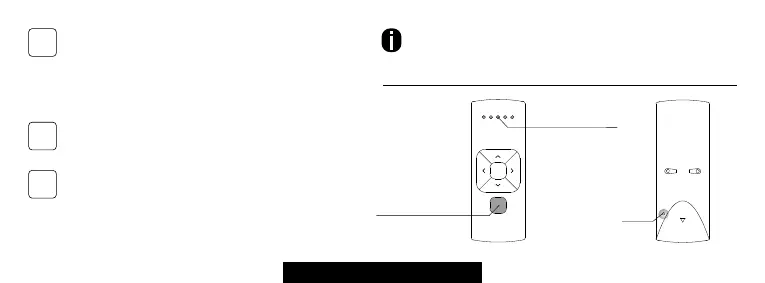
Press the pair button on the back of the remote
control to pair the blind with the selected channel.
The blind will shortly stop stepping, indicating that
the remote has been paired with the blind.
Select a desired channel for the blind using the channel
selection button on the remote control.
Pair
button
Channel indicator
Channel Selection



 To Next Page