5
5.2
5.1
MOTION CM-35 ELECTRONIC CURTAIN MOTOR
MOTION CM-35 ELECTRONIC CURTAIN MOTOR
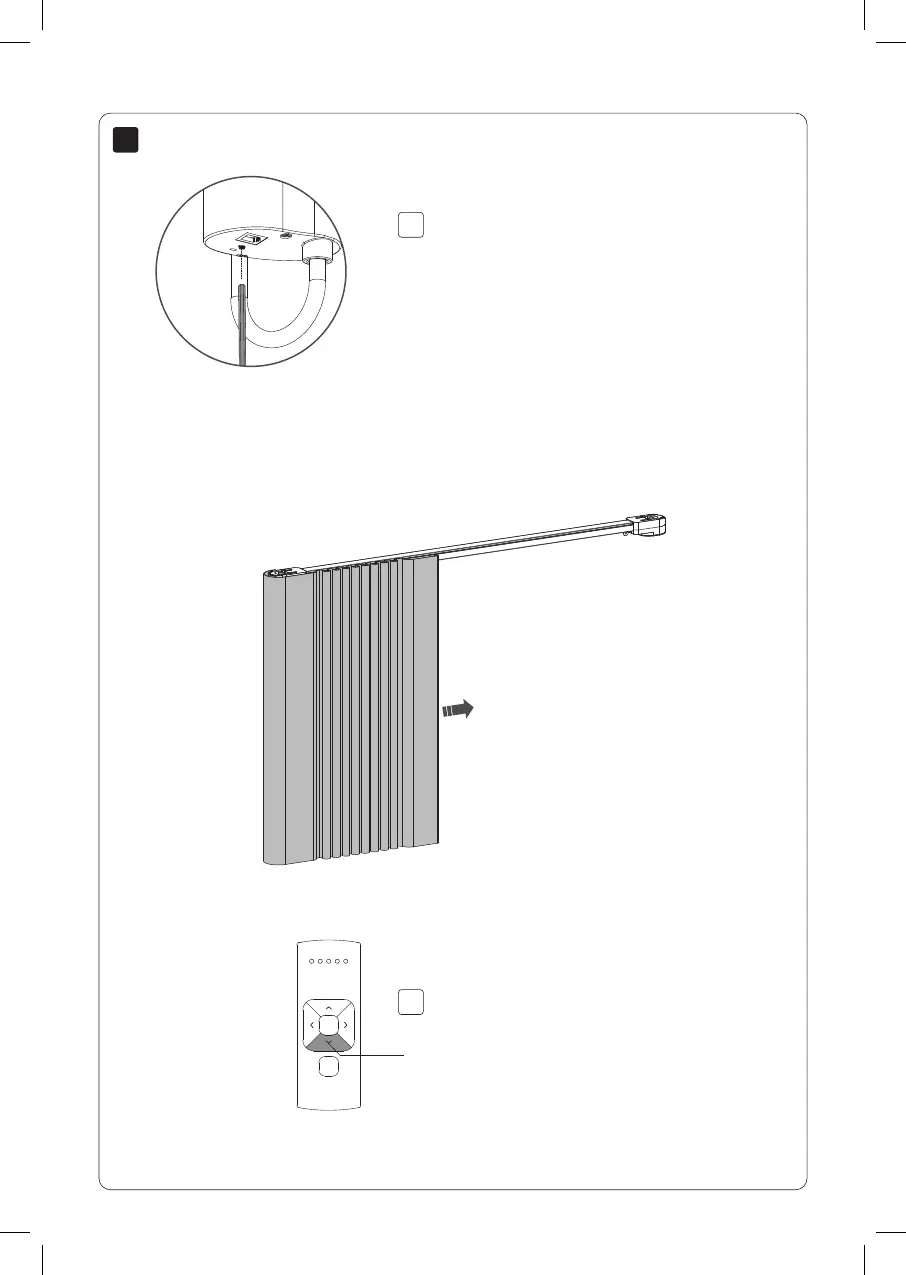
Set closed position
Press the down button down to automatically
move the blind to the closed position. Once the
closed position has been reached, the position
is saved.
Before programming the end positions, program
mode must be de-activated.
Shortly press the program button to de-activate
program mode. The blind stops stepping and the
end positions can be set.
Down
16
CM35AC Curtain motor.indd 16 31-07-2020 13:53



 To Next Page