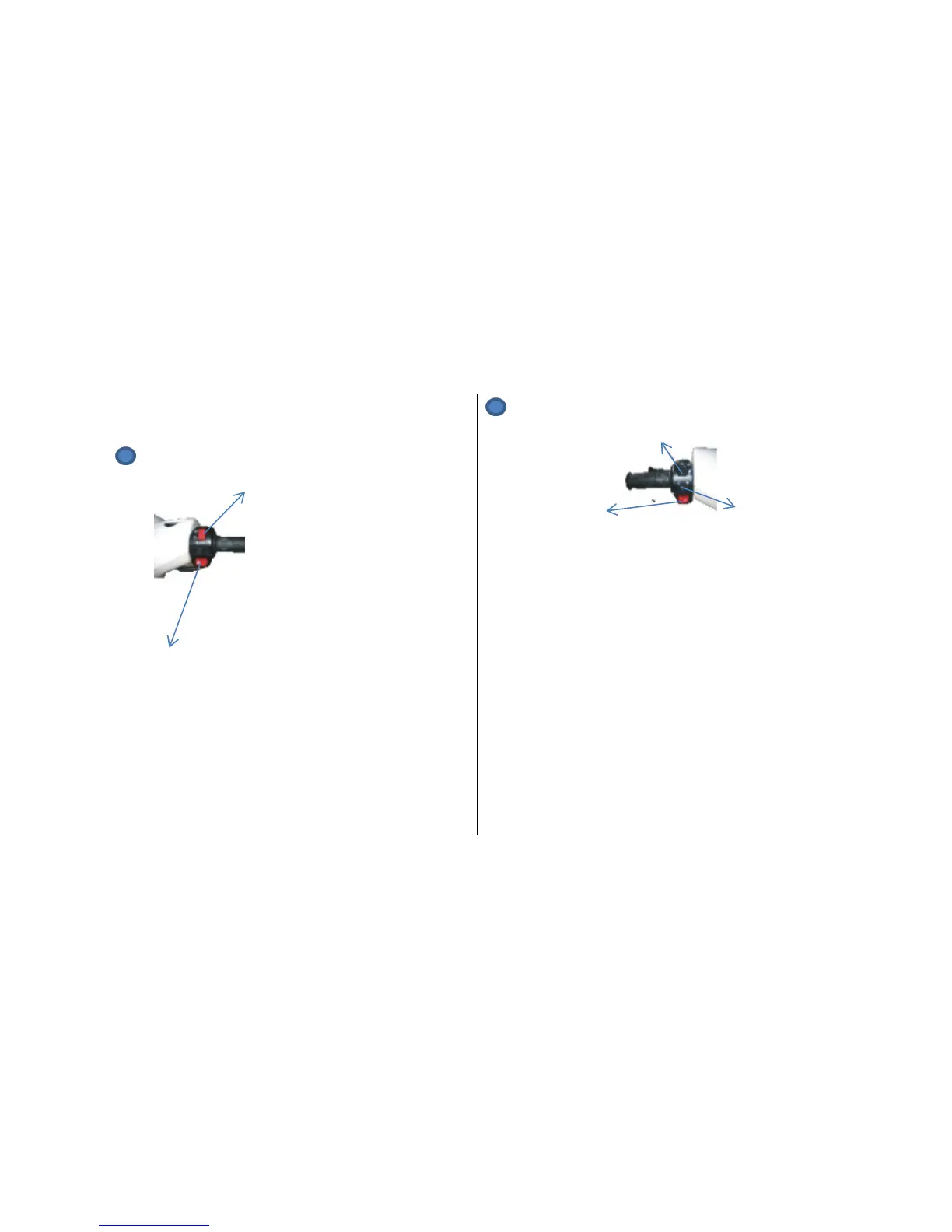
Starter button (2)
The starter button (2)
Operates the electric starter. For the starter to
operate the ignition switch must be turned to the
(ON) position and the front or rear brake lever must
be pulled to the handlebar.
(2) Left Handlebar Switch
(3)
(1) (2)
Horn button (1)
When the horn button is pushed, the horn will sound.
Direction indicators switch (2)
Move the switch to the right to activate the right-
hand indicators and to the left to activate the left-
hand indicators Push the central button to deactivate
the turn indicators.
Headlight Dip Switch (3)
The headlight dip switch (3).
To select high beam, push the switch (3) to the
forward position.
To select low beam, push the switch (3) to the
backwards position.


 To Next Page