EasyManua.ls Logo

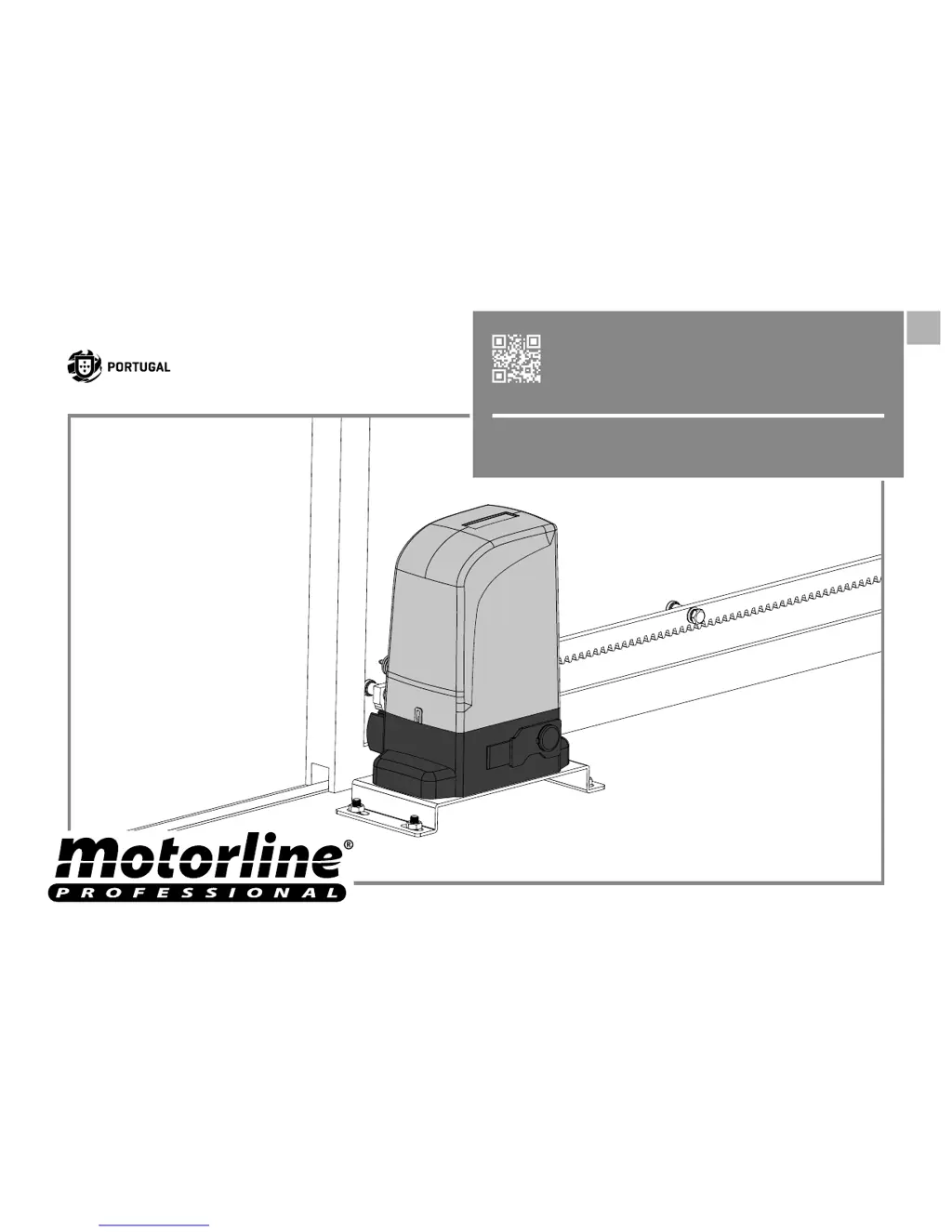
Motorline professional BRAVO500 - User Manual

Motorline professional BRAVO500
13 pages
Print Icon
To Next Page IconTo Next Page
Loading...
v4.0
REV. 04/2018
EN
USER'S AND INSTALLER'S MANUAL
EN
BRAVO500

Questions and Answers

  • J
    Jessica EatonAug 3, 2025
    How to troubleshoot a Motorline professional BRAVO500 Engine that doesn't work?
    • S
      Stephanie WalkerAug 3, 2025
      If the Motorline professional Engine doesn't work, first ensure that a 230V power supply is connected to the control board and functioning correctly. Next, inspect the input fuses of the control board. If issues persist, open the control board to verify it has a 230V power supply. Disconnect the motor from the control board and test it by directly connecting it to the power supply. If these steps don't resolve the issue, the motor should be inspected by a MOTORLINE technician.
  • A
    Amy DillonAug 10, 2025
    What to do if Motorline professional BRAVO500 opens but doesn’t close?
    • K
      Kenneth ZamoraAug 10, 2025
      If your Motorline professional Engine opens but doesn’t close, begin by unlocking the motor and manually moving the gate to the closed position. Lock the motor again and turn off the power supply for 5 seconds. Check for any obstructions in front of the photocells. Also, verify that none of the gate's control devices (key selector, push button, video intercom, etc.) are stuck, sending a continuous signal to the control unit. If these steps don't work, remove the control board and check if the motor operates correctly with all devices.
  • M
    Melanie WalkerAug 19, 2025
    Why Motorline professional BRAVO500 Engine gate doesn’t make complete route?
    • T
      Tommy BoothAug 19, 2025
      If the Motorline professional Engine gate doesn’t make a complete route, unlock the motor and manually move the gate to check for mechanical issues. Inspect all motion axes and related systems connected to the gate to identify any problems. If these are not the source of the problem, check the capacitors, testing with new ones. If the capacitors are not the issue, disconnect the motor from the control board and test it by connecting it directly to the power supply. If the motor works well, the problem is with the controller; in this case, set the force using the trimmer on the board.
  • T
    Todd BlackAug 26, 2025
    What to do if Motorline professional Engine doesn’t move but makes noise?
    • C
      Christine GreenAug 26, 2025
      If the Motorline professional Engine doesn’t move but makes noise, unlock the motor and manually move the gate to check for mechanical problems. Inspect the motion axis and associated motion systems. Check the capacitor by testing the operator with a new one. If the motor works after these steps, the problem is with the control board. If the motor still doesn’t work, it requires diagnosis by MOTORLINE technical services.

Summary

01. SAFETY INSTRUCTIONS

STANDARDS TO FOLLOW

Important safety instructions for users and installers, emphasizing proper use and maintenance.

03. OPERATOR

UNLOCK OPERATOR

Step-by-step guide to manually open the gate in case of power failure or damage.

04. INSTALLATION

INSTALLATION SITE PREPARATION

Recommendations for preparing the installation site, including gate resistance and leveling.

05. TROUBLESHOOTING

FINAL CONSUMERS INSTRUCTIONS

Troubleshooting steps for end-users, covering common motor and gate movement issues.

SPECIALIZED TECHNICIANS INSTRUCTIONS

Advanced troubleshooting for technicians, focusing on control board, safety systems, and start systems.

Motorline professional BRAVO500 Specifications

General IconGeneral
BrandMotorline professional
ModelBRAVO500
CategoryEngine
LanguageEnglish

Related product manuals