APX 8000XE M2 AND M3
34
NEXT > < PREV CONTENTS
Attaching/Removing the Antenna
PREPARING YOUR RADIO FOR USE
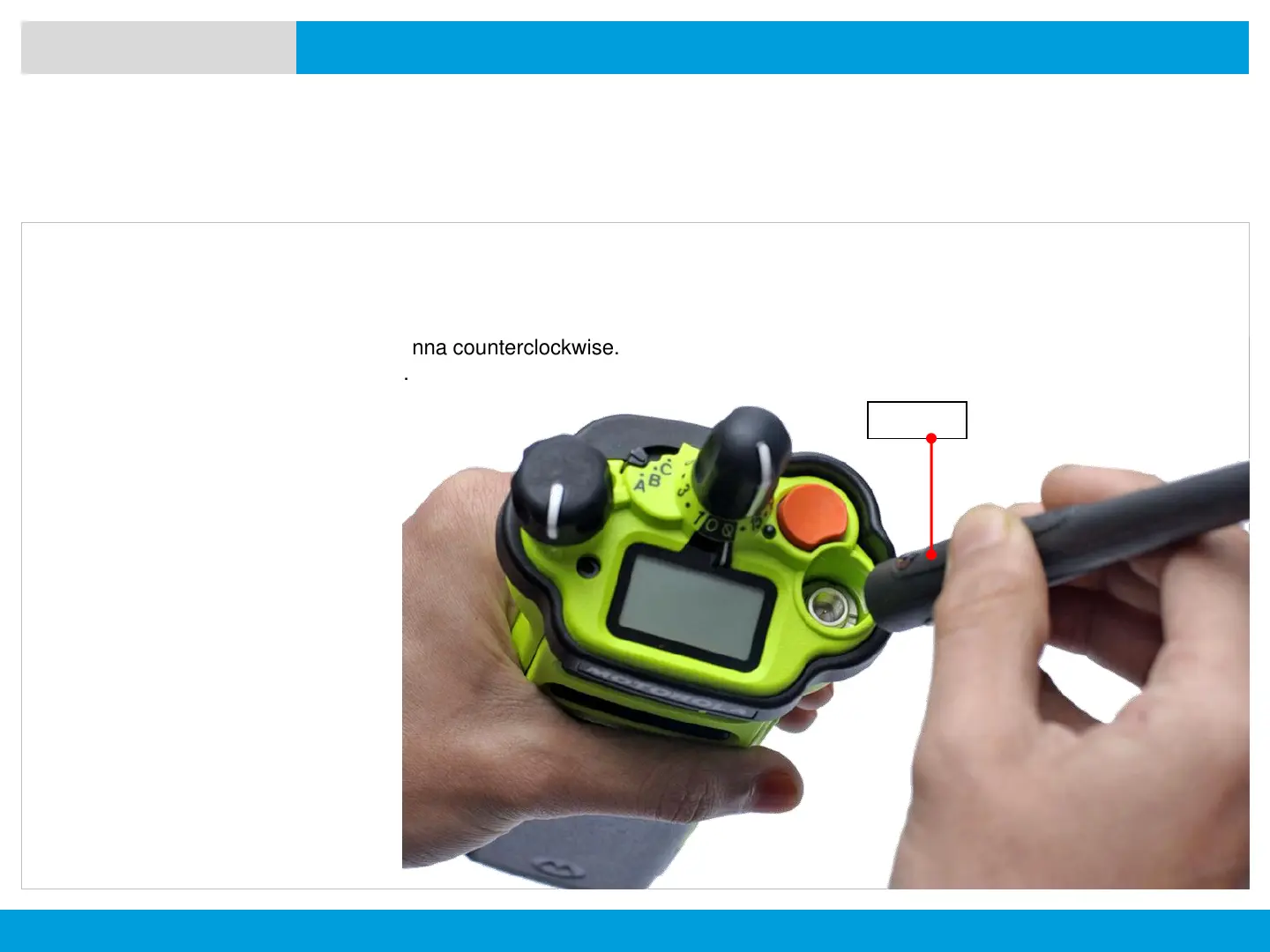
With the radio turned off, set the antenna in its
receptacle and turn clockwise to attach it to the radio.
To remove the antenna, turn the antenna counterclockwise.
Make sure you turn off the radio first.
Antenna



 To Next Page
 Loading...










