3.2
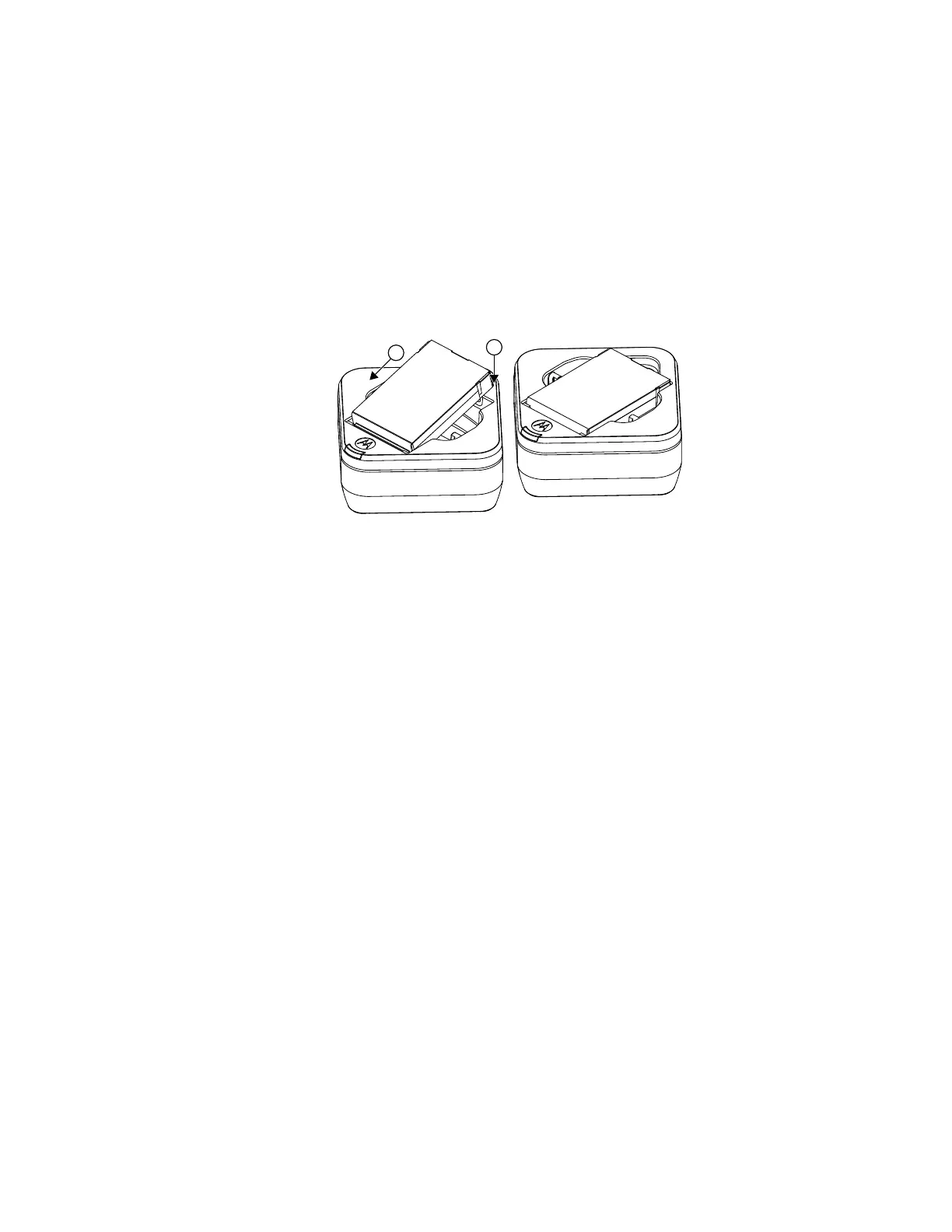
Charging a Stand-Alone Battery
Procedure:
1 Align the raised tab on each side of the battery with the corresponding groove on each side of
the charger pocket.
2 Press the battery toward the rear of the pocket.
3 Slide the battery into the charger pocket, ensuring complete contact between the charger and
battery contacts.
Figure 2: Insert the Battery to the Charger Pocket
When the battery is properly seated in the pocket, the charger indicates the battery level status.
See Charging Indicator on page 18.
MN007877A01-AB
Chapter
3 : Curve SUC Operating Instructions
13



 To Next Page
 Loading...










