14
11.2 Unblock a number
You can view and unblock a number via the hellovoice app.
1. Open the hellovoice app on your smartphone.
2. Tap on
Settings
.
3. Tap on
Call Blocking
.
4. Scroll u or d to the entry you want to unblock and swipe left.
5. Tap on
Unblock
to unblock the number.
12. Handset locator
This feature allows you to locate misplaced handsets.
1. Press
p
on the base. All registered handsets will ring for 30 seconds.
2. Press
p
on the base again to cancel the paging call.
3. Press
Ignore
or
e
on the handset to stop the paging call.
13. Using Alexa on your handset
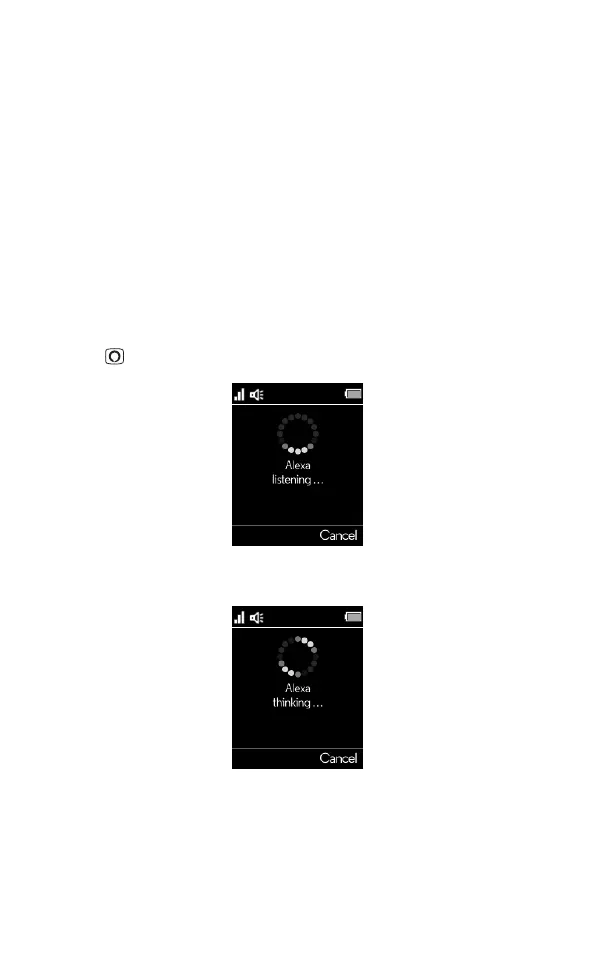
1. Press , the display will show
Alexa listening...
and a beep will be heard.
2. You can then ask Alexa what you need. For example:
“What’s the weather?” The screen will display
Alexa thinking...
.



 To Next Page
 Loading...









