EasyManua.ls Logo

Motorola C51 Series - User Manual

Motorola C51 Series
53 pages
Print Icon
To Next Page IconTo Next Page
Loading...
C51 Series
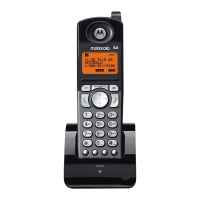
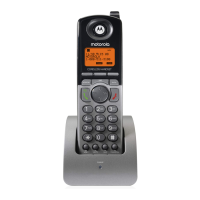
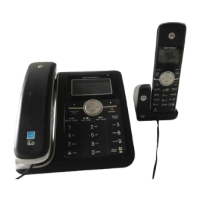
Connected System Phone Expansion Handset
Digital 5.8 GHz Expandable
Model Family: SD7501 and SD7502
Users Guide
Question and Answer IconNeed help?

Do you have a question about the Motorola C51 Series and is the answer not in the manual?

Summary

Welcome

Handset Overview

Handset Charger Overview

Describes the handset charging cradle and its LED indicator.

SD7501 Display Overviews

SD7502 Display Overviews

Battery Safety Instructions

Provides essential safety guidelines for handling and charging the handset battery.

Handset Battery and Charger Setup

Guide Navigation and Registration

Using Your New Handset

System Indicators and Base LEDs

Defines common messages, icons, and LEDs displayed on the handset and base unit.

Customizing Your Handset

Customizing Audio and Display Settings

Instructions for adjusting ring tones, volume, date, time, and display settings.

Display Language and Color Options

How to select the display language and customize color handset display settings.

Advanced Handset Features

Phonebook Management

Phonebook Entry Operations

Step-by-step guides for adding, dialing, editing, and deleting phonebook entries.

Multi-Handset System Features

Intercom and Call Transfer Procedures

Instructions for making intercom calls and transferring active calls between handsets.

Device Order and Line Settings

Troubleshooting Common Issues

Troubleshooting Specific Problems

Product Warranty Information

Warranty Exclusions, Limitations, and Service

Motorola C51 Series Specifications

General IconGeneral
BrandMotorola
ModelC51 Series
CategoryHandsets
LanguageEnglish

Related product manuals