EasyManua.ls Logo

Motorola H780 - User Manual

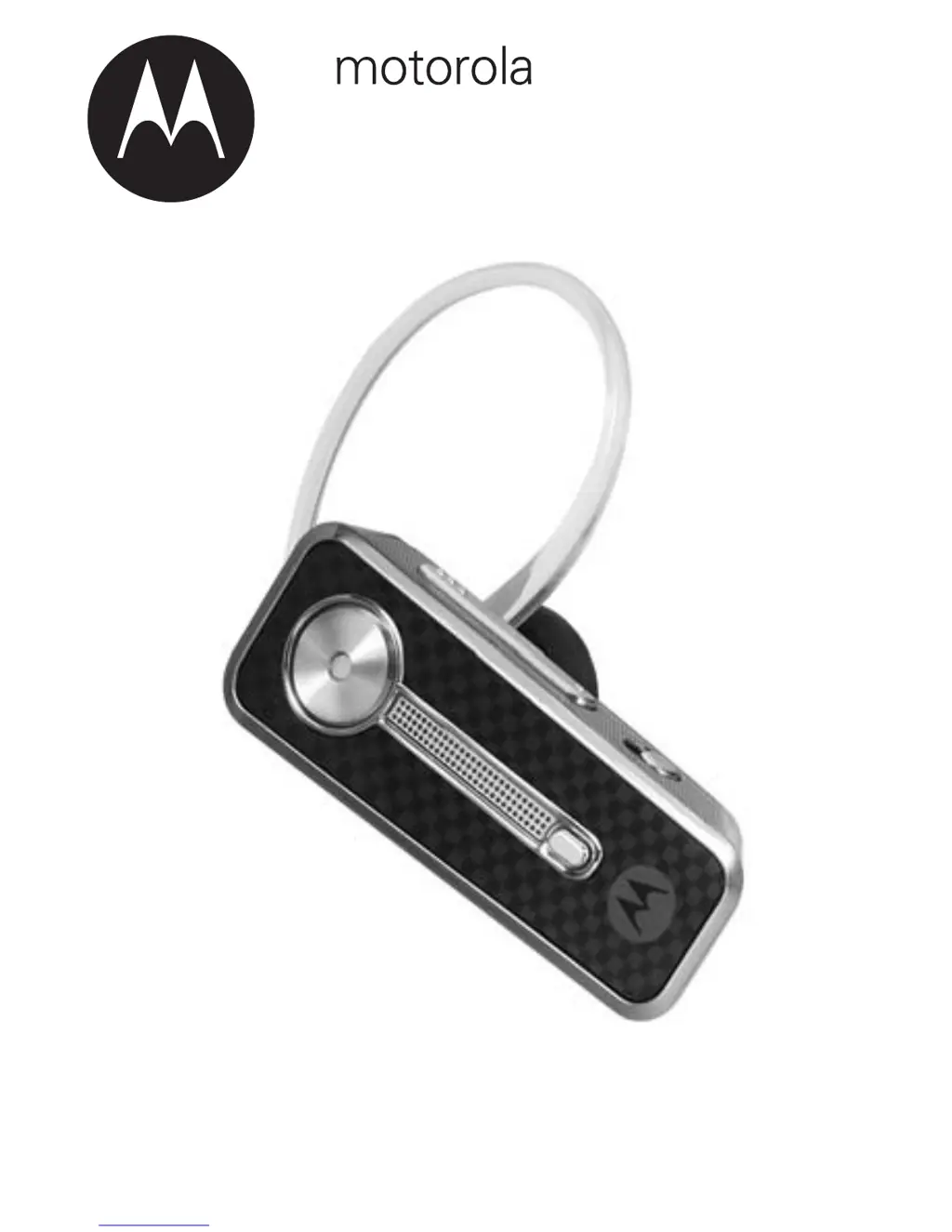
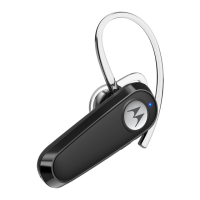
Motorola H780
14 pages
Print Icon
To Next Page IconTo Next Page
Loading...
Universal Bluetooth
®
Headset H780
H780
MOTOMANUAL

Other manuals for Motorola H780

Questions and Answers

  • R
    robinsonjonathanAug 8, 2025
    How to fix Motorola H780 that will not enter pairing mode?
    • C
      Colin Brown MDAug 9, 2025
      Ensure that any devices previously paired with the Motorola Headset are turned off. If the indicator light is flashing in blue, first turn off the other device, then using the Power switch, turn the headset off and on. The indicator light becomes steadily lit in blue, indicating the headset is now in pairing mode.
  • J
    jeremy93Aug 25, 2025
    What to do if my Motorola H780 Headsets worked before but now it’s not working?
    • H
      Heather OwenAug 25, 2025
      Ensure your phone is on and the Bluetooth feature is enabled. If the Bluetooth feature was turned off or was turned on only temporarily, you may need to restart the Bluetooth feature and pair your phone and headset again.

Motorola H780 Specifications

General IconGeneral
TypeBluetooth Headset
Bluetooth Version2.0
Talk Time7 hours
Standby Time200 hours
Charging Time2 hours
Wireless RangeUp to 33 feet (10 meters)
CompatibilityBluetooth-enabled devices

Related product manuals