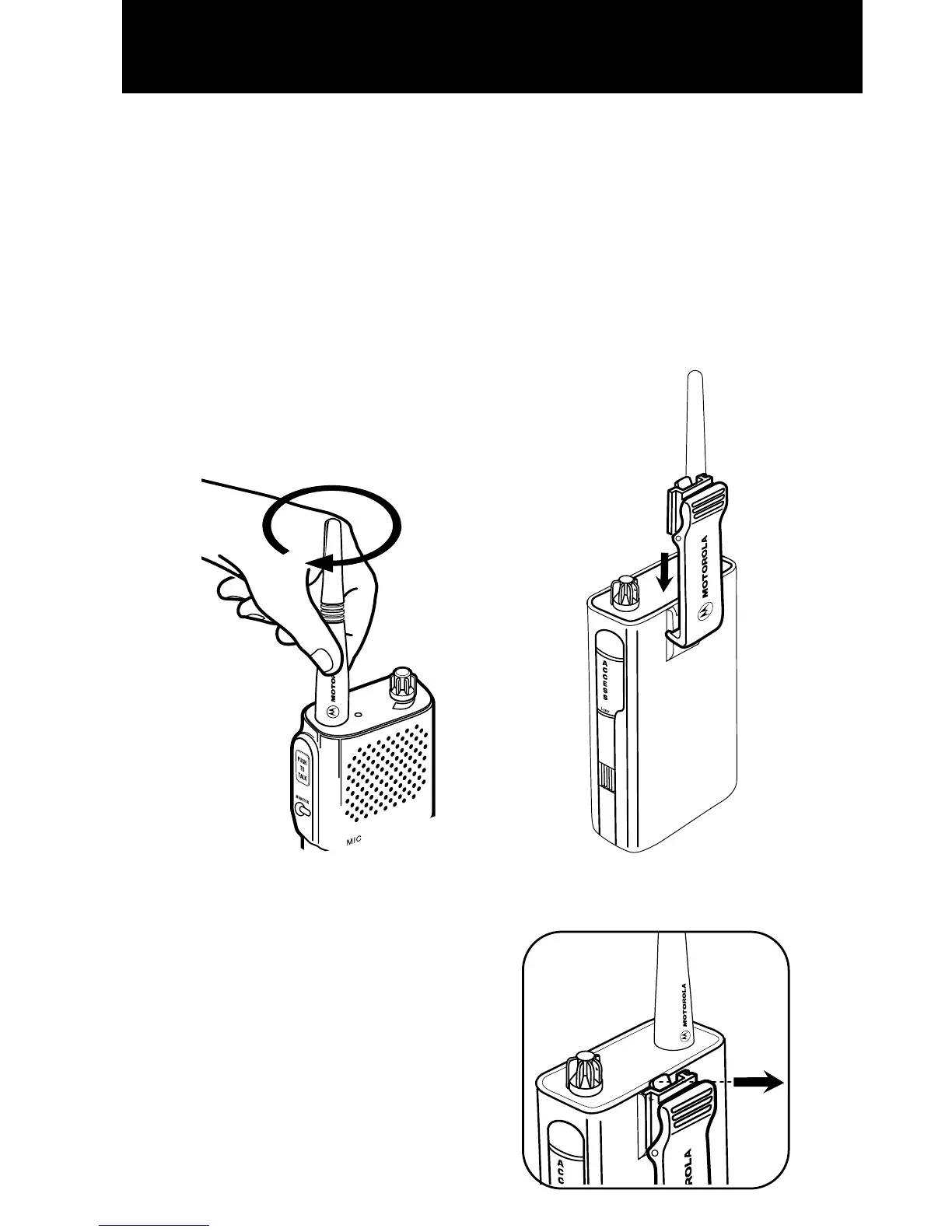
To Attach/Remove Antenna
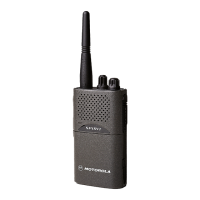
To attach the antenna, rotate the antenna
clockwise onto the top of the radio until
hand tight. Reverse to remove. Fig. A
Note:
The antenna should always be
installed when operating the radio. Operat-
ing the radio without an antenna greatly
reduces the range of the radio.
To Attach/Remove Belt Clip
1. Align the belt clip to the mounting rails on
the back of the radio. Fig. B
2. Push the belt clip down until it clicks into
place.
3. To remove, pull tab on belt clip away from
radio to release. Fig. C
4. Slide belt clip up and off.
5
FIG. B
FIG. C
FIG. A


 To Next Page
 Loading...