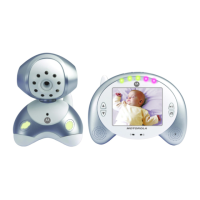
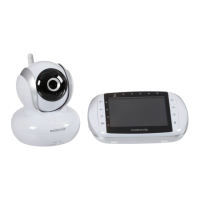
14 Parent Unit Menu Options
4. Parent Unit Menu Options
4.1 Volume
1. Press the M button and the menu bar will pop up.
2. Press the
< LEFT button or > RIGHT button until is highlighted.
3. Press the
+ UP button or - DOWN button to select the desired volume
level from level
0
~
8
. (The default volume level setting is level
4
.)
4.2 Brightness
1. Press the M button and the menu bar will pop up.
2. Press the
< LEFT button or > RIGHT button until is highlighted.
3. Press the
+ UP button or - DOWN button to select the desired brightness
level from level
1
~
8
. (The default brightness level setting is level
5
.)
4.3 Lullaby
1. Press the M button and the menu bar will pop up.
2. Press the
< LEFT button or > RIGHT button until is highlighted.
3. Press the
+ UP button or - DOWN button to select the desired song from
the 5 lullabies available, or the cycle option to play all 5 songs in turn. (The
default setting is lullaby OFF)
4. Press
O on the selected lullaby, and then press the + UP button or -
DOWN button to select the desired song sound level.
4.4 Zoom
1. Press the M button and the menu bar will pop up.
2. Press the
< LEFT button or > RIGHT button until is highlighted.
3. Press the
+ UP button or - DOWN button to select the
1X
or
2X
Zoom.
(The default setting is
1X
.)
4.5 Alarm
1. Press the M button and the menu bar will pop up.
2. Press the
< LEFT button or > RIGHT button until is highlighted.
3. Press the
+ UP button or - DOWN button to select the alarm time (
6h
,
4h
,
2h
). (The default setting is Alarm OFF.)
4. If an alarm time is selected, the parent unit will beep for about 45 seconds
after every 6, 4 or 2 hour period.



 To Next Page
 Loading...