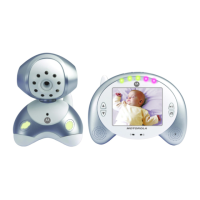
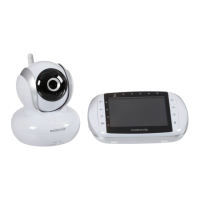
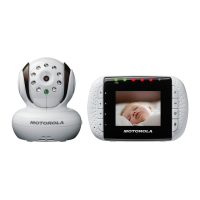
16 Parent Unit Menu Options
4.6 Camera Control
4.6.1 Add (pair) a camera
1. Press the M button and the menu bar will pop up.
2. Press the
< LEFT button or > RIGHT button until is highlighted, and
the
del/ add/ view/ scan
menu will pop up.
3. Press the
+ UP button or - DOWN button to select
add
, and press the
O button to confirm.
4. Camera will pop up, press the
+ UP button or - DOWN
button to select the desired Camera, and press the
O button to start
searching for a camera unit. The green audio level LED will flash rapidly
while searching.
5. Press and hold the
PAIR
button on the underside of the Baby Unit until the
Parent Unit finds the camera, beeps and the picture from the camera appears.
NOTE
A camera can only be registered to one Parent Unit at any one time.
4.6.2 View a camera
1. Press the M button and the menu bar will pop up.
2. Press the
< LEFT button or > RIGHT button until is highlighted and
the
del/ add/ view/ scan
menu pops up.
3. Press the
+ UP button or - DOWN button to select
view
, and press the
O button to confirm.
4. Camera will pop up, press the
+ UP button or - DOWN
button to select the desired camera, and press the
O button to view the
picture from that camera.
TIP
Quick Method to View Cameras instead of entering into the menu bar.
Directly press OK repeatedly to select Camera ,
scan
.



 To Next Page
 Loading...