10 Getting Started
2. Getting Started
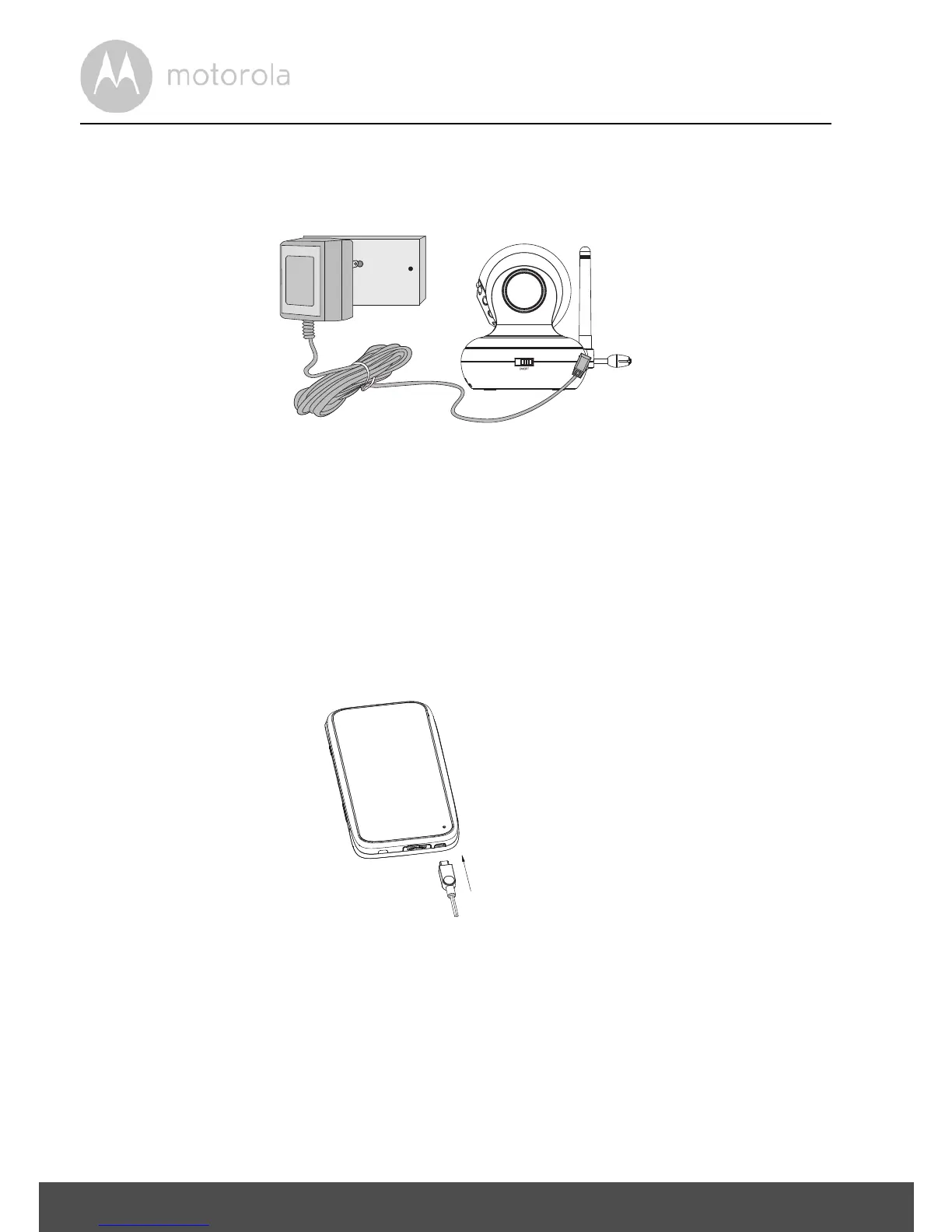
2.1 Baby Unit Power Supply
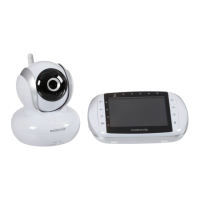
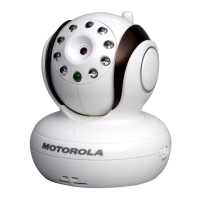
1. Connect the small plug of the power adapter to the Baby Unit (camera) and
the other end to the electrical outlet.
NOTE
Only use the enclosed power adapter (5V DC / 1000mA).
2. Slide the ON/OFF switch to the ON position. The power LED will light up
in green.
3. Slide the ON/OFF switch to the OFF position to turn the Baby Unit off.
2.2 Parent Unit Power Supply
IMPORTANT
The Parent Unit is assembled with a built-in rechargeable battery pack (Lithium-
ion battery 1880mAh), please charge it for 16 hours before use.



 To Next Page
 Loading...