EasyManua.ls Logo

Motorola MBP75SN - User Manual

Motorola MBP75SN
34 pages
Print Icon
To Next Page IconTo Next Page
Loading...
USER’S GUIDE
CARE+
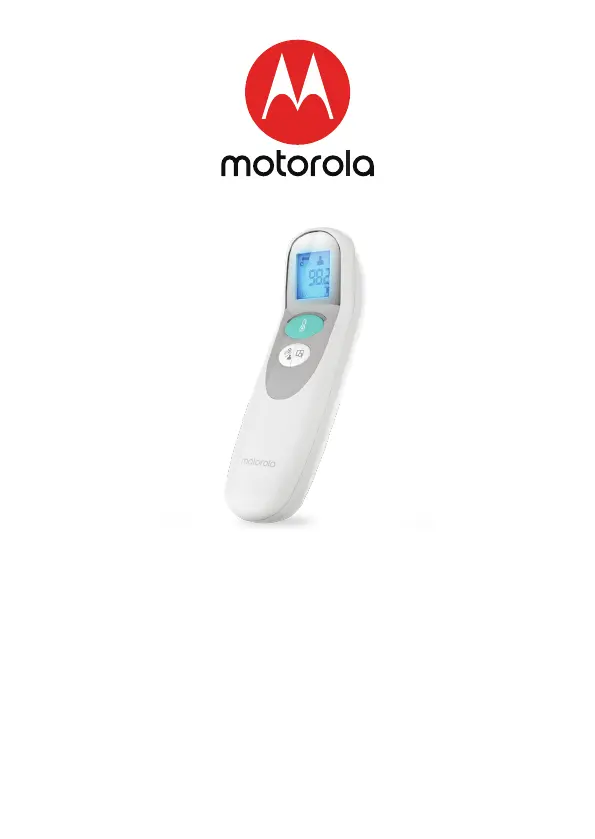
3-in-1 smart non-contact baby thermometer
Model: MBP75SN
The features described in this User’s Guide are subject to modifications without prior notice.

Questions and Answers

Summary

Overview of the Thermometer

Important Safety Precautions for Thermometer Use

Preparing the Thermometer Before First Use

Temperature LED Indicator Lights

Understanding Thermometer Measurement Modes

Tips for Accurate Temperature Measurements

How to Measure Forehead Temperature

Measuring Object Temperatures

Replacing the Battery

Setting Up the Smart Thermometer with the Hubble Connected App

Downloading the Hubble Connected App

Instructions for downloading the required mobile application.

Signing Up for a Hubble Account

Steps to create a new user account within the Hubble app.

Connecting Thermometer to Hubble Account

Procedure to pair and add the thermometer device to the user's account.

Thermometer Care and Cleaning Instructions

Troubleshooting Common Thermometer Issues

Wireless Functions and Technology Description

Electromagnetic Compatibility (EMC) Information

General Informations

FCC and IC Regulatory Compliance

Device Specifications and Technical Details

Motorola MBP75SN Specifications

General IconGeneral
BrandMotorola
ModelMBP75SN
CategoryBaby Accessories
LanguageEnglish

Related product manuals