EasyManua.ls Logo

Motorola CARE+ - User Manual

Motorola CARE+
34 pages
Print Icon
To Next Page IconTo Next Page
Loading...
USER’S GUIDE
CARE+
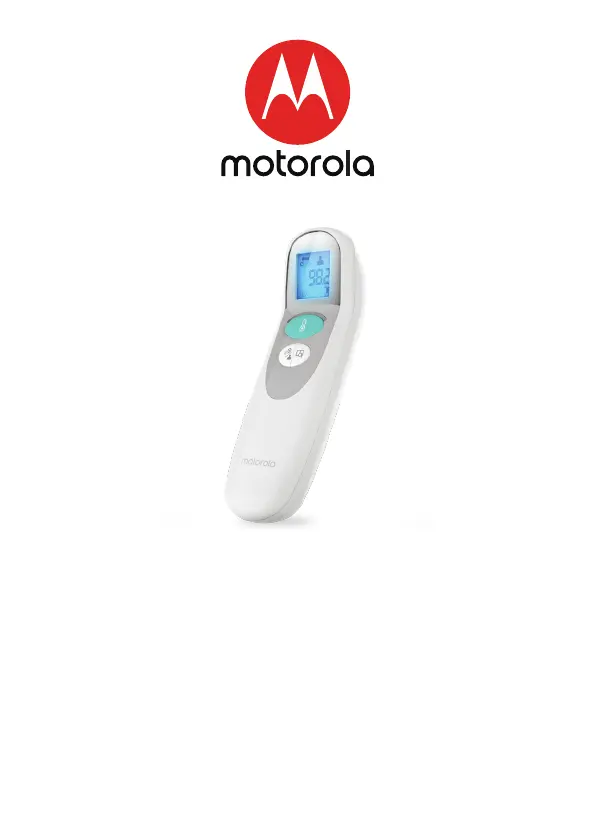
3-in-1 smart non-contact baby thermometer
Model: MBP75SN
The features described in this User’s Guide are subject to modifications without prior notice.

Questions and Answers

Summary

Overview of the Thermometer

Description of LCD Display

Details the symbols and indicators shown on the thermometer's LCD screen.

Important Safety Information

Influences on Body Temperature

Prior to Use

Temperature LED Indication

Measuring Modes

Temperature Taking Hints

How to Measure Forehead Temperature

How to Measure Object (Liquid;Food) Temperature

Check the Memory

Replacing the Battery

Celsius;Fahrenheit Option

Setting Up the Smart Thermometer with the Hubble Connected App

Download Hubble Connected App

Steps to download the necessary mobile application for smart features.

Sign up with Hubble on your smart device

Guide to creating a user account within the Hubble app.

Add the smart thermometer to your account

Care and Cleaning

Clinical Accuracy Validation Method

Troubleshooting

Explanation of Symbols

Disposal of the Device (Environment)

Description of the Wireless Functions and Technology

Important Information Regarding Electromagnetic Compatibility(EMC)

General Informations

FCC and IC Regulations (FCC Part 15)

Specifications

Motorola CARE+ Specifications

General IconGeneral
Product TypeBaby Monitor
BrandMotorola
ModelCARE+
Night VisionYes
Two-Way CommunicationYes
Temperature MonitoringYes
RangeUp to 300 meters

Related product manuals