EasyManua.ls Logo

Motorola MBP83SN - User Manual

Motorola MBP83SN
27 pages
Print Icon
To Next Page IconTo Next Page
Loading...
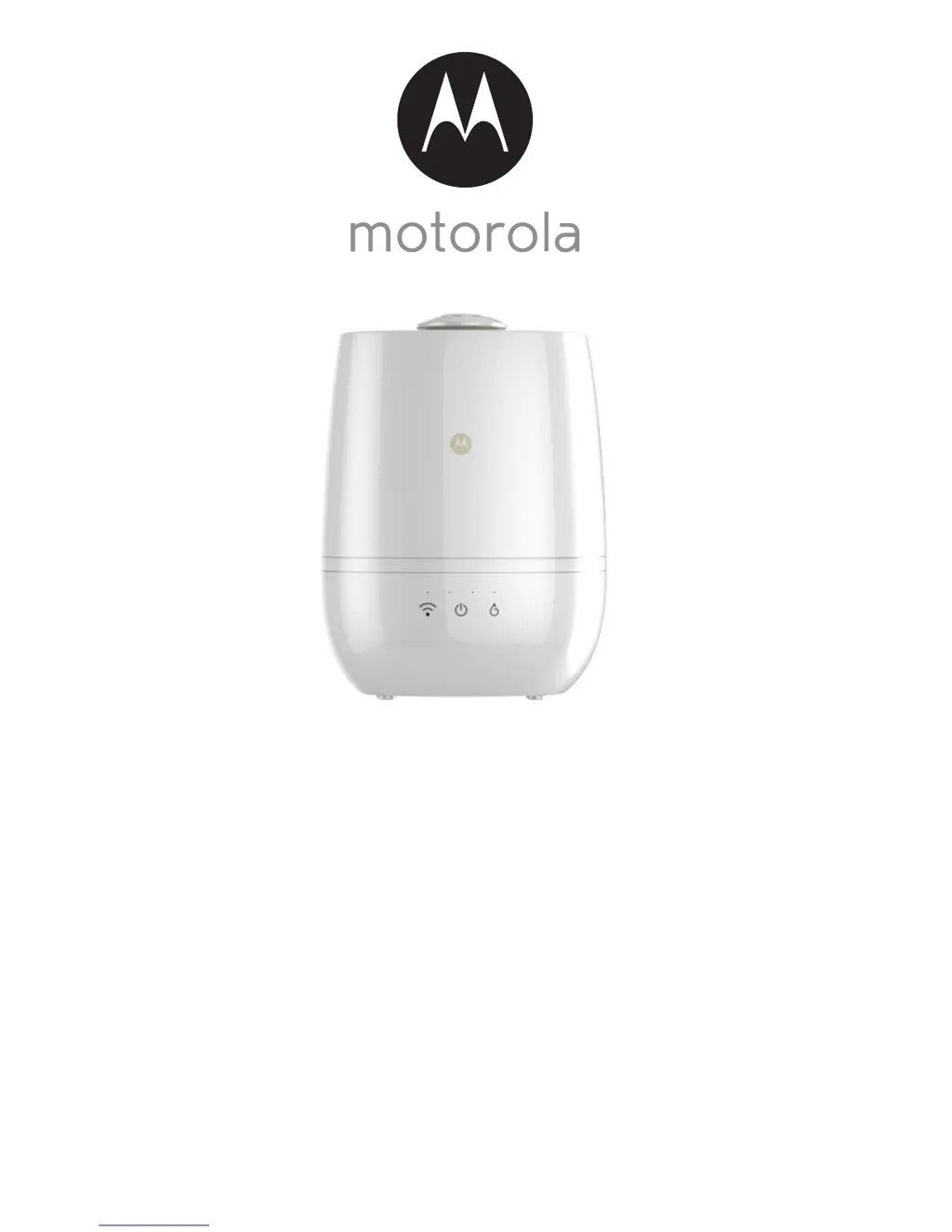
USER’S GUIDE
Smart Nursery
Humidifier+
Model: MBP83SN
The features described in this guide are subject to modifications without prior notice.

Questions and Answers

  • R
    Randall RamirezAug 16, 2025
    What to do if I forget my Motorola MBP83SN Humidifier password?
    • K
      kpageAug 16, 2025
      If you have forgotten your password, click on the "Forgot Password" link on https://app.hubbleconnected.com/ #lostpassword OR on your Android™ or iOS application. An e-mail will be sent to your registered e-mail address.
  • D
    Darren LaneAug 19, 2025
    What to do if the Motorola Humidifier displays: 'We are having problems accessing your Device'?
    • L
      lyonsgavinAug 19, 2025
      If you see this message, it could be due to an issue with your internet connection. Please try again in a few minutes. If the problem persists, restart your Device and your Wireless Router to see if that resolves the problem.
  • J
    jason43Aug 22, 2025
    Why is my Motorola MBP83SN producing little or no mist?
    • A
      Angela AllenAug 22, 2025
      There could be several reasons why your humidifier is not producing enough mist. The water level might be too low, so refill the water in the reservoir. Ensure that the device is placed on a flat and level surface. You may also need to change to a higher mist level, as there are four selectable levels.
  • N
    Natalie LewisAug 26, 2025
    Why do I have smelly mists from my Motorola MBP83SN?
    • F
      frank79Aug 26, 2025
      Smelly mist is usually caused by mildew, mold, bacteria growth, or mineral deposits. Clean the device properly and replace it with fresh water.
  • S
    Steven BeckAug 28, 2025
    What to do if I am unable to login to Motorola Humidifier after registration?
    • N
      Nicole CoxAug 28, 2025
      Please check your user name and password.
  • B
    Beth SmithAug 31, 2025
    Why do I hear some vibrating noise from my Motorola MBP83SN?
    • J
      Julie FriedmanAug 31, 2025
      Vibrating noise can occur if the water level is too low, so refill the water in the reservoir. Also, ensure the device is placed on a flat and level surface.
  • S
    Steven TaylorSep 3, 2025
    What to do if I receive an error message saying: "E- mail ID is not registered" on my Motorola MBP83SN Humidifier?
    • N
      Natalie LoveSep 3, 2025
      Ensure that you have registered. Tap Sign in to create an account.
  • C
    Charles LeachSep 6, 2025
    What to do if I am unable to receive a new Motorola MBP83SN Humidifier password?
    • B
      bradleywilsonSep 6, 2025
      The e-mail might have been sent to your Junk Mail Folder, so please check there. Also, there might be a delay in getting your e-mail, so please wait a few minutes and refresh your e-mail account.
  • B
    Brandon RodriguezSep 9, 2025
    What to do if I can't find my Motorola Humidifier when adding a new device?
    • N
      Nancy DavisSep 9, 2025
      If you cannot find a device to add, it may have previously been added to your account or another account. Reset the device by tapping the PAIR button twice.
  • J
    Jeffrey ConleySep 12, 2025
    What to do if Motorola MBP83SN Humidifier setup fails on Android™ and iOS devices?
    • L
      lorirhodesSep 12, 2025
      Reset the device to setup mode and try again. Tap the PAIR button on the device until you hear a beep. Wait a minute for the device to restart. When the device LED is flashing, it indicates that it is in setup mode. Now restart the setup from your smartphone again.

Summary

Safety Instructions

Important Installation Guidelines

Guidelines for safe placement and operation to prevent interference.

System Requirements

Getting Started

Fill Water Tank and Install Filter

Instructions for filling the water tank and installing the water filter.

Connect to Power Supply

Steps to connect the humidifier to the power source.

Smart Nursery Account Setup

Download Hubble Connect App

Guide to downloading the required mobile application.

Run Hubble Connect App

Instructions for launching and navigating the app for setup.

Troubleshooting Guide

Motorola MBP83SN Specifications

General IconGeneral
BrandMotorola
ModelMBP83SN
CategoryHumidifier
LanguageEnglish

Related product manuals