EasyManua.ls Logo

Motorola MBP86SN - User Manual

Motorola MBP86SN
38 pages
Print Icon
To Next Page IconTo Next Page
Loading...
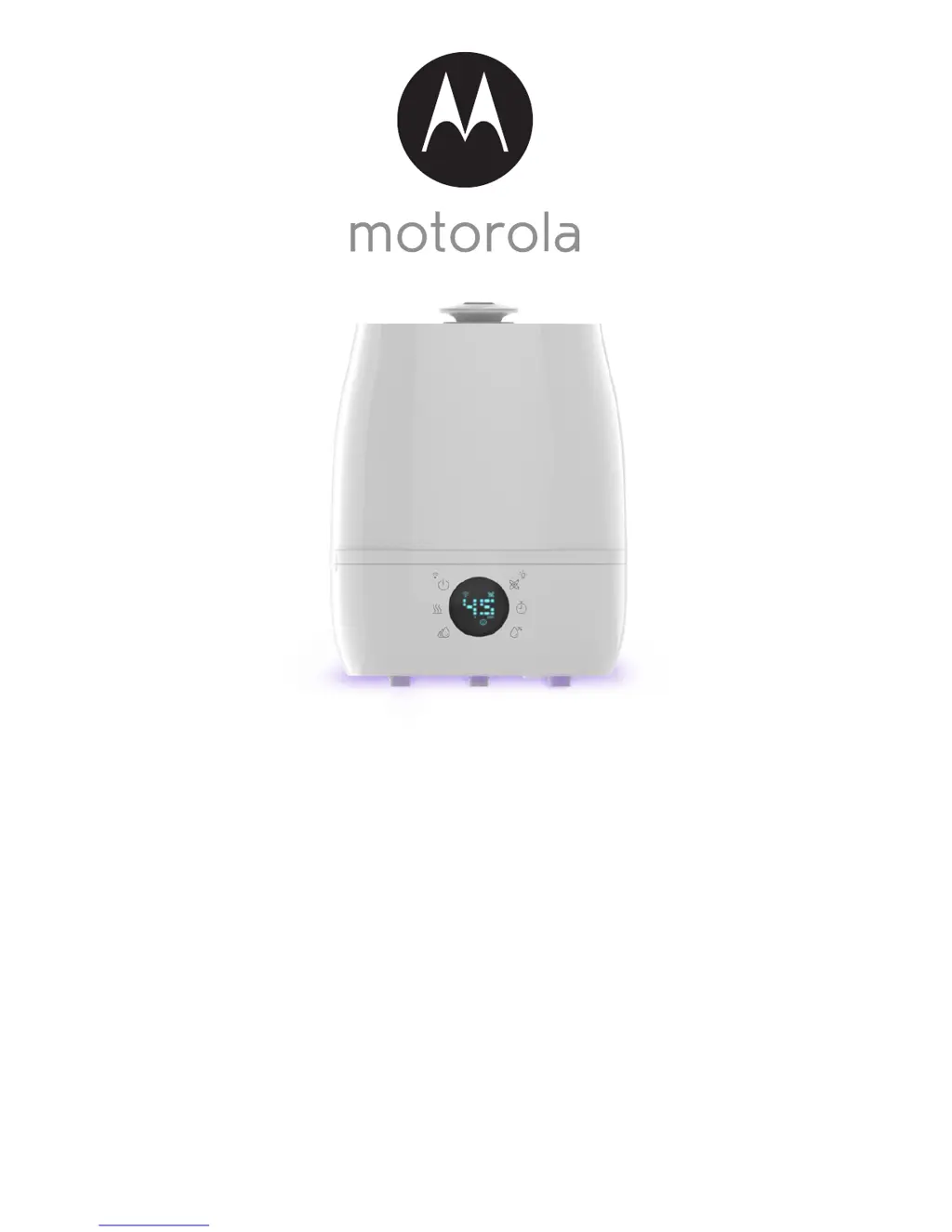
USER’S GUIDE
Smart Humidifier
Model: MBP86SN
The features described in this guide are subject to modifications without prior notice.

Questions and Answers

Summary

Overview of the Humidifier

Operation of the Touch Control Buttons

LED Display Icons

Safety Instructions

Important guidelines for installing Humidifier

Guidelines for humidifier installation, emphasizing interference avoidance and Wi-Fi connectivity.

System Requirements

Getting Started

3.1 Fill up the Water Tank and Install Pre-Filter

Instructions for filling the water tank and installing the pre-filter.

3.2 Connect Humidifier to Power Supply

Steps to connect the humidifier to the electrical outlet and ensure power.

Connecting Devices

4.1 User Account and Humidifier Setup on Android Devices

Guide for setting up humidifier with Android device via Hubble Connect app.

4.2 User Account and Humidifier Setup on iOS Devices

Guide for setting up humidifier with iOS device via Hubble Connect app.

Overview of Hubble App

Recommendations for Use and Care

Change Filters

7.1 Change Pre-Filter

Step-by-step guide on how to change the pre-filter.

7.2 Change Water Filter

Instructions for replacing the water filter.

7.3 Change Dust Filter

Instructions for locating and replacing the dust filter.

Troubleshooting

Disposal of the Device (Environment)

General Information

Technical Specifications

Motorola MBP86SN Specifications

General IconGeneral
BrandMotorola
ModelMBP86SN
CategoryHumidifier
LanguageEnglish

Related product manuals