LAN Problems
Unable to Access the Network.
l Make sure the LAN driver is correctly installed.
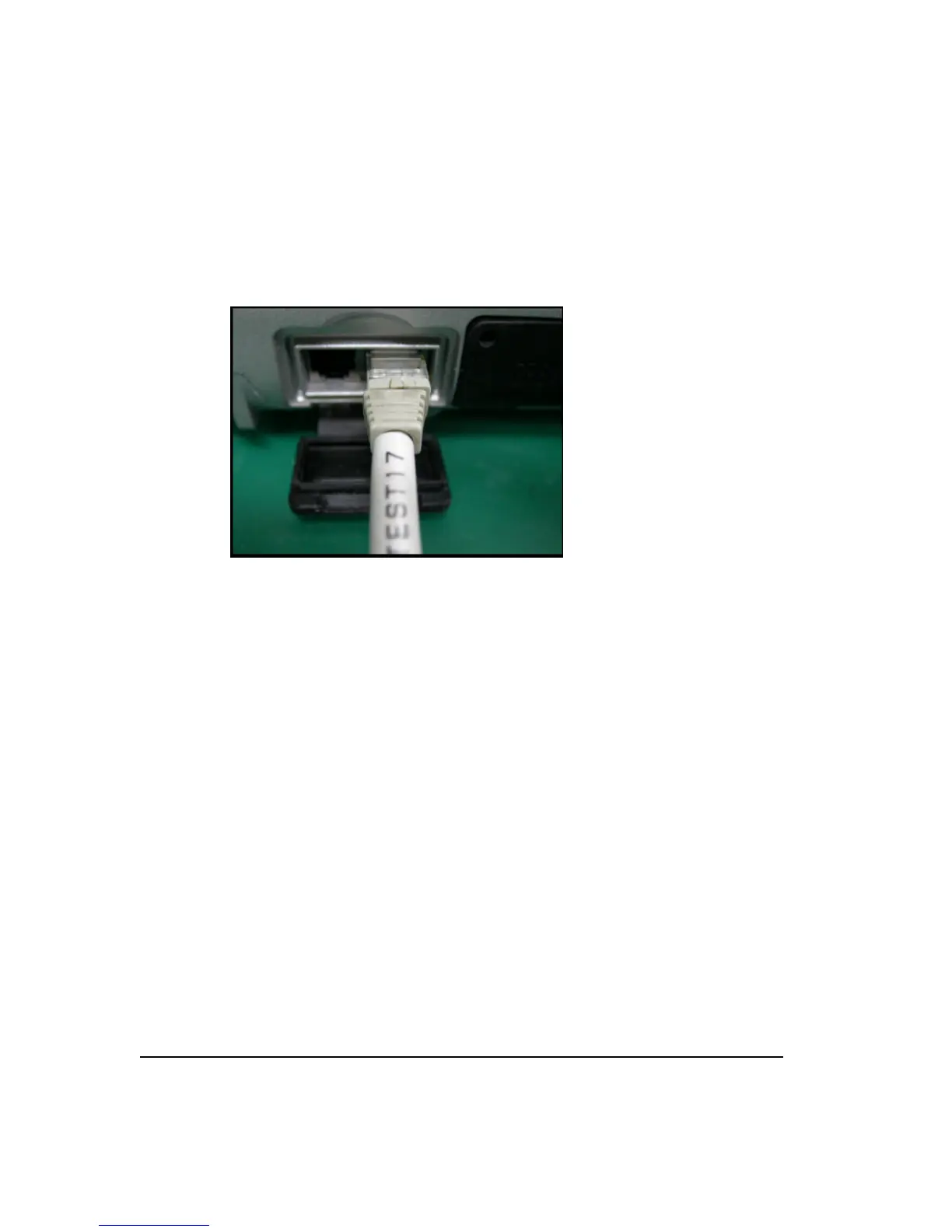
l Make sure the LAN cable is properly connected to the RJ-45 connector and the
network hub.
l Make sure the network is properly setup and configured.
l Make sure the user name or password is correct.
WLAN Problems
Unable to Access the WLAN Feature.
l Make sure the WLAN card is correctly installed.
l Make sure the necessary driver(s) is/are correctly installed.
l Make sure the WLAN feature is turned on.
Transmission quality is poor.
l Your computer may be in an out-of-range situation. Move your computer closer to the
Access Point or to the WLAN device it is associated with.
l Check if there is high interference in the general environment and solve the problem
as described next.
Radio interference exists.
l Move your computer away from the device causing the radio interference such as
microwave oven and large metal objects.
l Plug your computer into an outlet on a different branch circuit from than used by the
interfering device.



 To Next Page