5
Finish up
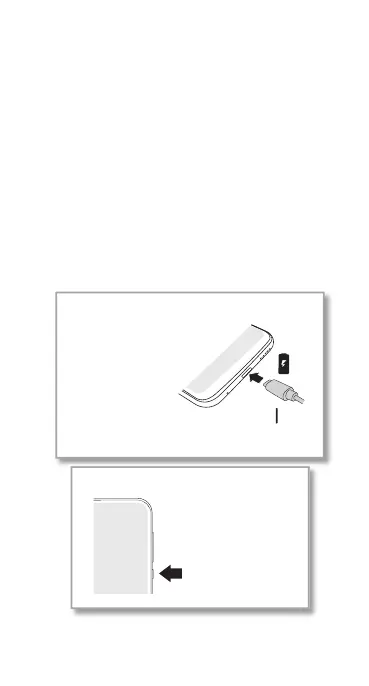
Connect your charger to charge your phone
fully, then turn on the power. Follow the screen
prompts to get started.
For phones that use two SIM cards, follow the
prompts to set them up.
Note: for the best charging experience, use a
Motorola charger. Use of other chargers is not
recommended.
Power on.
Press & hold Power
until the screen lights
up.
Before using your
phone, fully charge it
with the charger
provided.
Charge up.
USB-C



 To Next Page
 Loading...










