10 Home screen
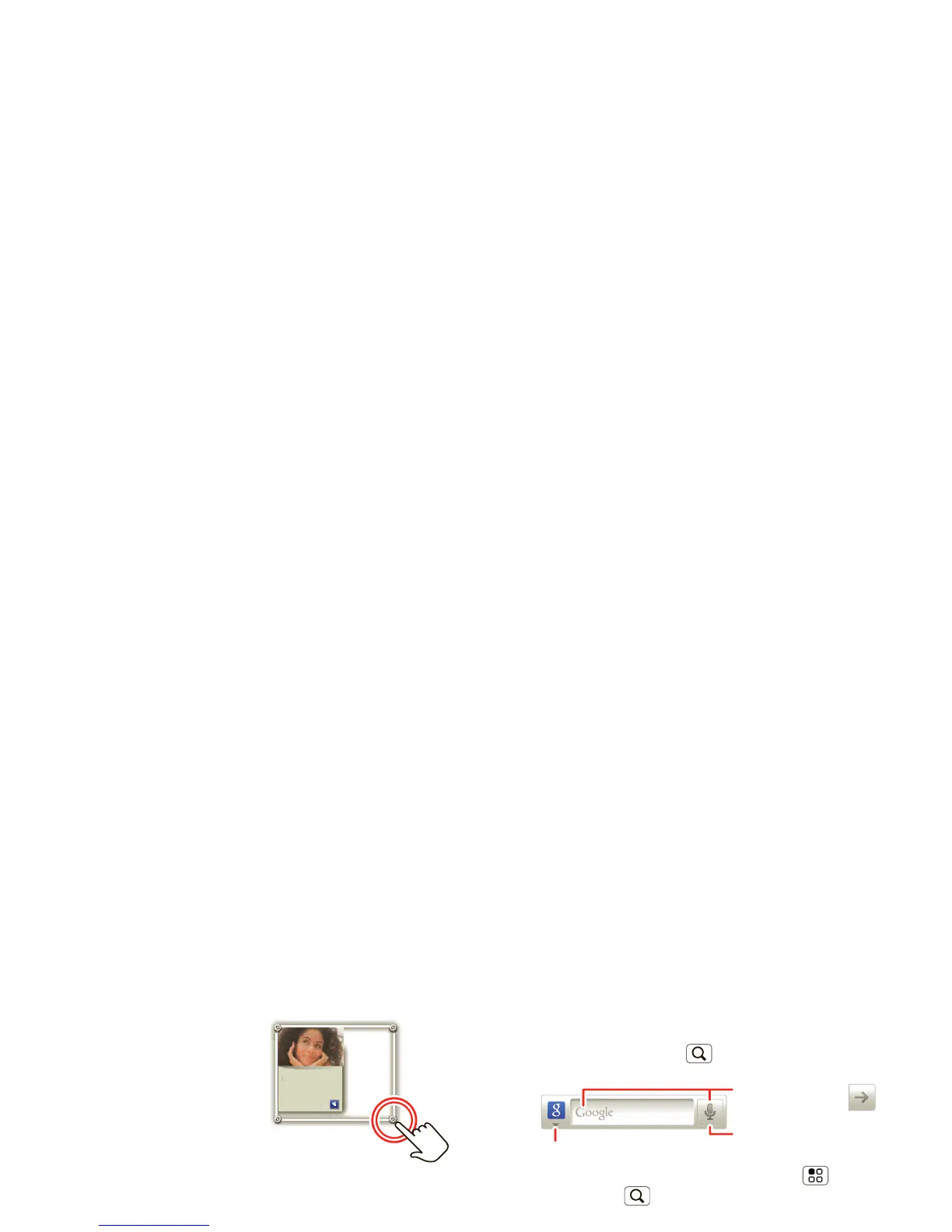
• To resize a widget, touch
and hold the widget until
you feel a vibration, then
drag to resize. Arrows
appear in the corners of
the widget. Drag the
arrows to resize.
• To add something or
change your wallpaper, touch and hold an empty spot
until you see the
Add to Home screen menu.
You can add a folder to organize your shortcuts.
• To move or delete something, touch and hold it until
you feel a vibration, then drag it to another spot,
another panel, or the trash at the top of the screen.
Running multiple apps
No need to close an app before opening another one.
Your phone runs multiple apps, all at once.
You can open a new app while already running another.
Touch Home to return to the home screen. Touch
and then touch the app you want. To switch from one
running app to another, touch and hold Home to see
what apps are already open, then touch the one you
want. You can view
Recent, All apps, Downloaded, or
create a
New group.
Search
To search, touch Search .
To change search settings, touch Menu >
Search
settings
. Touch to search the web and your device.
Notifications & phone status
At the top of the screen, icons on the left notify you
about new messages or events. Icons on the right tell
you about phone status.














 To Next Page