EasyManua.ls Logo

Motorola PRO+ - Text Entry

Motorola PRO+
70 pages
Print Icon
To Next Page IconTo Next Page
To Previous Page IconTo Previous Page
Loading...
7Text entry
Text entry
keys when you need them
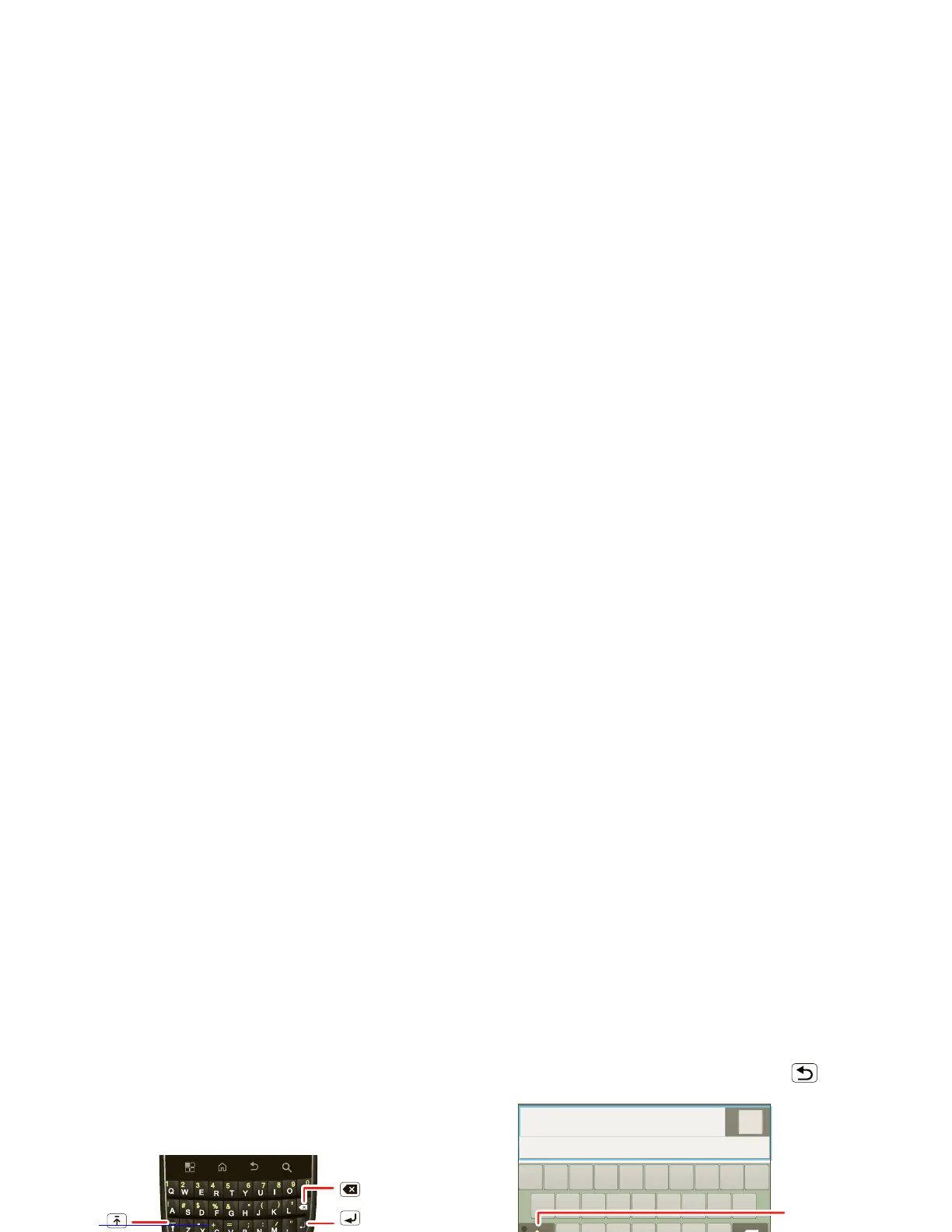
DEVICE keypad
You can type using the phones keypad.
Delete
Enter
Shift
Space
Alternate
Voice
Recognition
Symbol
Touchscreen keypad
You can open a touchscreen keypad by touching a text
field. To close the keypad, touch Back .
Multi-touch
To change the sounds, corrections, and other settings
for your touchscreen keypad, touch Menu >
Settings > Language & keyboard > Input method >
Multi-touch keyboard.

Done
?123
.
QW
Z
XCVBNM
ERT UIOPY
SFGHJKL
A
D
C
om
p
ose messa
ge
12
789056
3
4
Symbols/Numbers
Shift
Delete
Voice Recognition
Touch, then speak the
recipient’s name or the
text message.
Next Line

Related product manuals