EasyManua.ls Logo

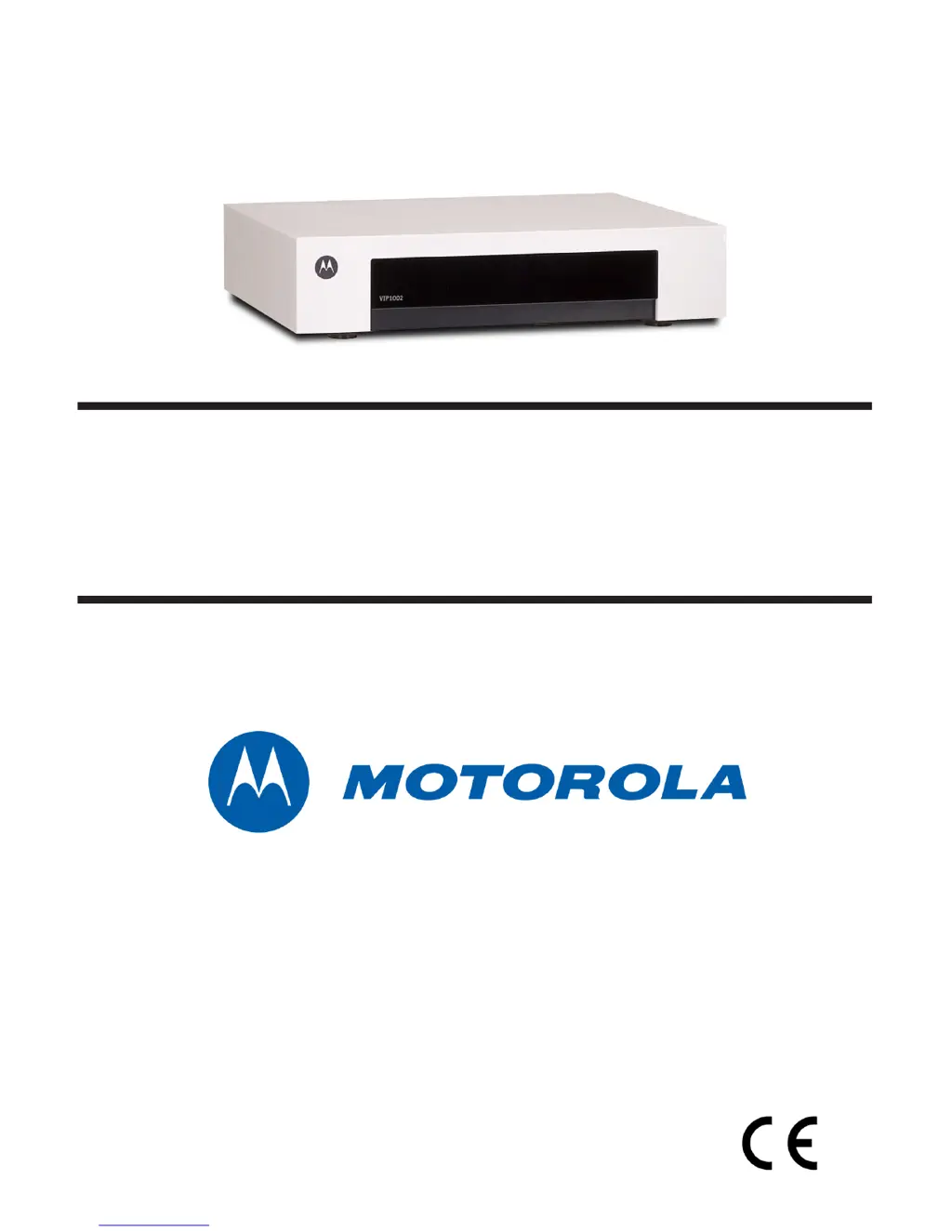
Motorola VIP1002E - User Manual

Motorola VIP1002E
24 pages
Print Icon
To Next Page IconTo Next Page
Loading...
VIP1002E
Installation Guide

Questions and Answers

  • D
    Daniel MayAug 12, 2025
    What to do if the Motorola VIP1002E Set-top boxes remote control does not work?
    • M
      Michael VelasquezAug 12, 2025
      If the Motorola Set-top boxes remote control isn't working, ensure the TV is on and there are no obstructions between the remote and the set-top box. Aim the remote directly at the front panel of the VIP1002E set-top, not the TV or VCR, and ensure you're not too far to the side. Press the keys firmly and deliberately, one at a time. Also, check and replace the batteries in the remote if needed.
  • N
    Natasha LeeAug 19, 2025
    How to fix a Motorola Set-top boxes VIP1002E that will not power on?
    • S
      Samuel OwensAug 19, 2025
      If your Motorola VIP1002E set-top box won't power on, verify that the AC power cord is connected to both the set-top box and a working AC outlet. Try unplugging the set-top box, plugging it back in, and then turning the power back on. Make sure the set-top box is not connected to a switched outlet on another device. Test the AC outlet with a lamp or another appliance to ensure it's providing power.
  • R
    Robert AndersonAug 27, 2025
    Why is there no audio when viewing TV channels on my Motorola Set-top boxes?
    • G
      George HendersonAug 27, 2025
      If there is no audio when viewing TV channels on your Motorola Set-top boxes, first, check that the Mute button on the remote hasn't been pressed. Also, ensure the VIP1002E set-top audio output is correctly connected to your TV or home theater receiver. If connected to the TV, verify the TV's Mute button isn't active. If connected to a home theater receiver, confirm it's set to the correct input source and its Mute button is off. Check that you're using the correct audio cables and that they are firmly connected between the VIP1002E set-top and the playback device.
  • M
    montoyaangelSep 3, 2025
    What to do if there is no audio from surround speakers of Motorola VIP1002E Set-top boxes?
    • A
      amurphySep 3, 2025
      If you're not getting audio from the center and/or surround speakers of your home theater receiver connected to the Motorola VIP1002E set-top box, verify that the S/PDIF cable is firmly connected to both the set-top box and the receiver. Also, ensure that the home theater receiver is set to a surround-sound audio mode like Dolby Digital, Dolby Pro Logic® II, or Dolby Pro Logic, and that it's properly configured to work with all connected speakers. Keep in mind that not all Dolby Digital programs feature full 5.1 surround sound; some may only have left and right stereo audio.

Motorola VIP1002E Specifications

General IconGeneral
ModelVIP1002E
TypeSet-top box
ConnectivityEthernet
Weight0.5 kg
SCARTYes
Video OutputComposite
Audio OutputStereo
Tuner TypeDVB-T
Supported Resolutions720p
Dimensions220 x 150 x 40 mm

Related product manuals