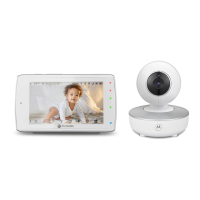
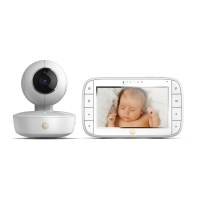
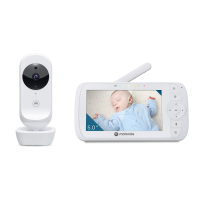
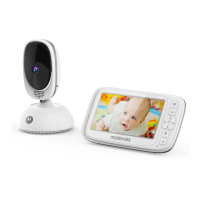
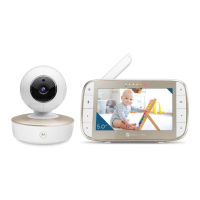
This User Guide provides you with all the information
you need to get the most from your Smart Video
Baby Monitor.
Read the instructions carefully, and be aware that
this Smart Video Baby Monitor is only intended as an
aid. It is not a substitute for responsible and proper
adult supervision.
Before you use the Smart Video Baby Monitor, set
up the parent and baby units. Follow the simple
instructions in ‘Getting started’, on the next few
pages.
Important
Only use the power adaptors supplied.
Got everything?
• Parent unit with built-in rechargeable Lithium-ion battery (2000 mAh)
• Baby (camera) unit
• AC power adaptor for the parent unit
• AC power adaptor for the baby (camera) unit
If you have purchased multi camera pack, you will also have the following
additional items:
• Baby (camera) unit(s)
• AC power adaptor(s) for the baby (camera) unit(s)
For Wi-Fi® internet viewing you will need a suitable Android or iPhone/iPad
device and Wi-Fi® internet connection of at least 0.6 Mbps upload bandwidth
per baby (camera) unit.



 To Next Page
 Loading...