10 Getting Started
2. Getting Started
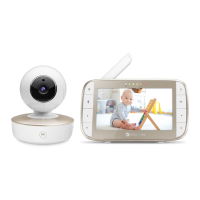
2.1 Power up the Baby Unit
• Place the Baby unit near a electrical outlet in the room
where you’re going to be monitoring your baby most of
the time. It should also be at least 3 feet away from your
bab
y.
•
Plug the DC plug of power adapter into the Baby
unit, connect other end to a suitable electrical outlet.
• Slide the Power
ON
OFF
switch on the side of the baby
unit up to turn it on.
IMPORTANT
Only use the supplied power adapter(
DC5V/1000mA).


 To Next Page
 Loading...