4
1.2 Troubleshooting Guide
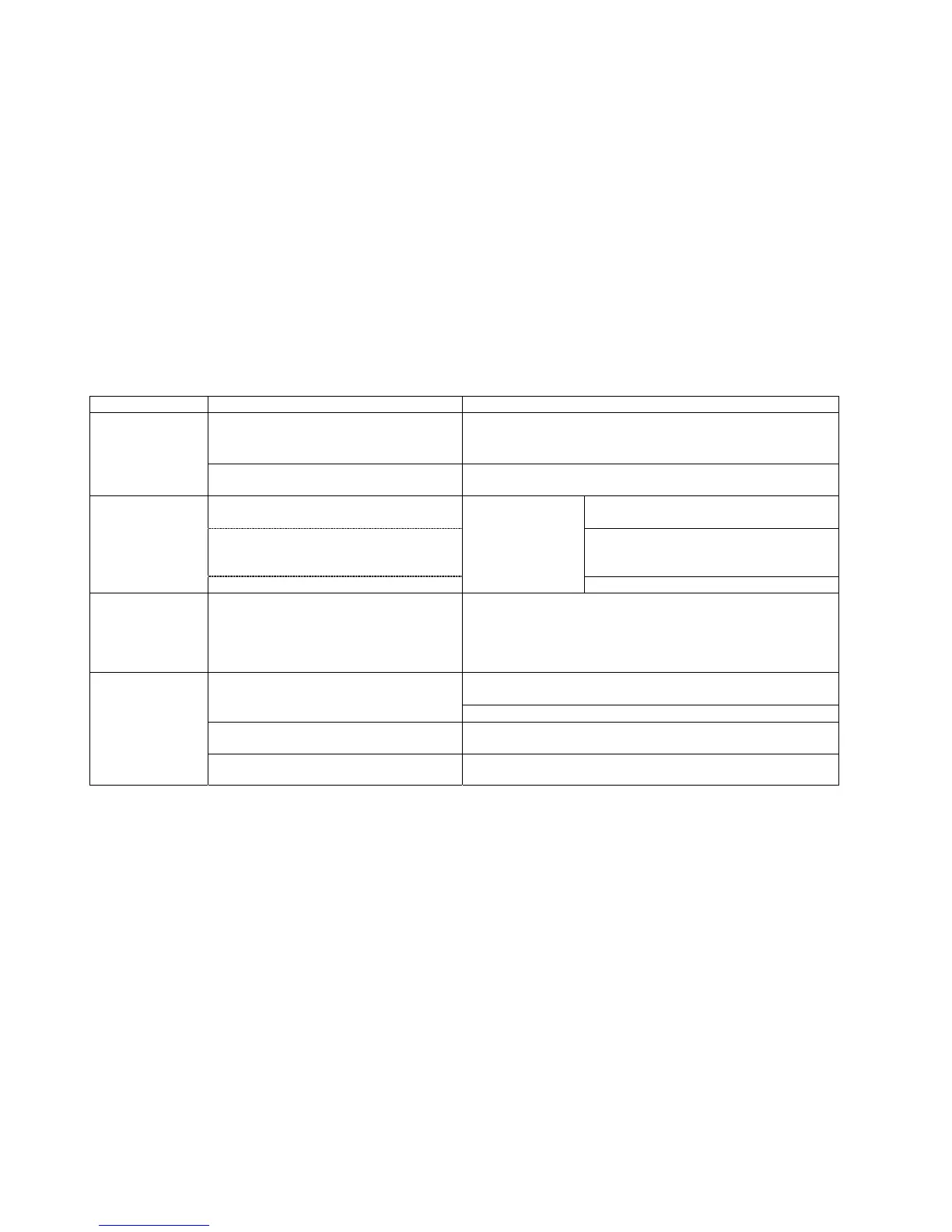
SYMPTOM PROBABLE CAUSE CORRECTIVE ACTION
Line voltage is not present at equipment.
Check the main circuit breaker and wall outlet voltage at the Facility.
If wall outlet voltage is present, then replace line cord.
No power to
Console
(On M770EL)
Power-on Switch is damaged.
Replace Power-on Switch if the output voltage of Power Switch is not
present.
Defective SMPS-5V (MPU Power Supply)
If no voltage, replace Defective SMPS-5V (MPU
Power Supply).
Defective Wire Harness
If no voltage, verify that CBB3 interconnected
with CBB4 cable is plugged into both MPU
Board and SMPS-5V. Replace if necessary.
LCD TV is normal,
but Dot-LED and
Numeric LED do not
light up
(On M770EL)
Defective MPU Board
Measure the voltage
between pin 1 and
pin 4 on CN2.
If no voltage, replace MPU PCB.
Dot-LED and
Numeric LED are
normal, but LCD TV
does not light up or
is blank
Refer to 1.3 Troubleshooting Guide for LCD. Refer to 1.3 Troubleshooting Guide for LCD.
Using a Multi-meter, verify more than 6VDC at pin-7 and pin-8 on CN1.
If voltage is present, replace MPU board. If not, replace Drive board.
Faulty MPU board or Drive board
Test with substitute MPU board or Drive board. Replace if necessary.
Cable connection or loose wire connection
Verify that main cable CN1 is securely plugged into both MPU board and
Drive board. Replace if necessary.
Console LEDs are
not illuminating
(On M770E)
Worn or damaged wire harness Inspect wire harness. Replace worn or damaged harness.


 To Next Page