EN-12
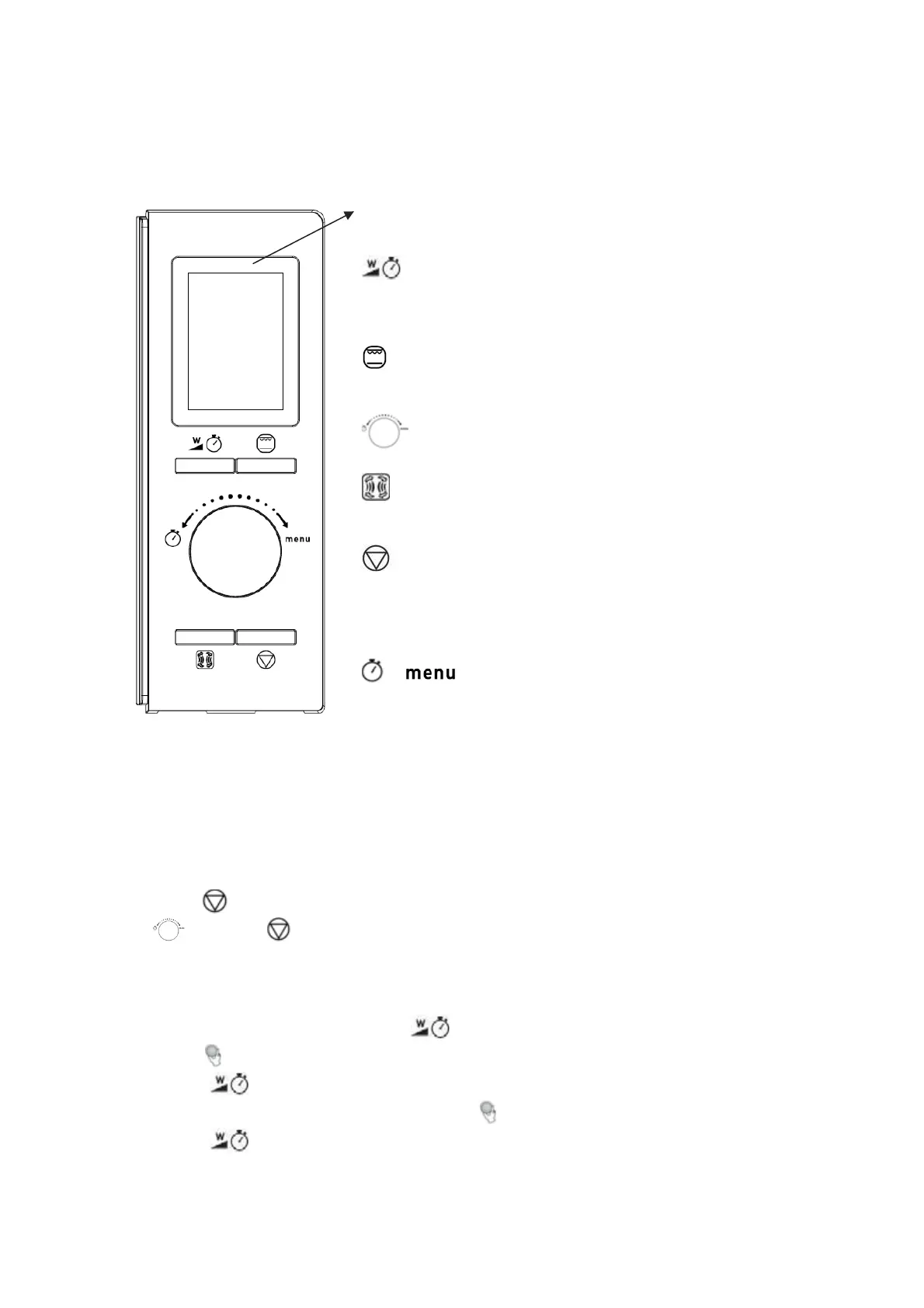
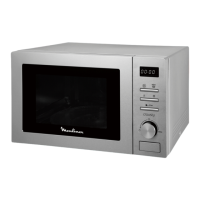
CONTROLPANEL
Display
Cookingtime,power,cookingtemperature,indicatorsand
presenttimearedisplayed.
Microwavecooking/Clockbutton
x Pressthisbuttontosetmicrowavepowerlevel.
x Pressandholdthisbuttonforabout 3secondstoenterclock
settingmode.
Grill/Microwave+Grillcooking
Pressthisbuttontosetagrill
cookingprogramoroneoftwo
microwave+grillcookingmodes.
Start/Quickstartbutton
Pressthisbuttontostartacookingprogramorsetquickstart.
Convection/Microwave+Convectioncooking
Pressthisbuttontosetaconvectioncookingormicrowave+
convectioncookingprogram.
Pause/Cancelbutton
x Pr
essthisbut
tontocancelsettingorresettheovenbefore
settingacookingprogram.
x Pressoncetotemporarilystopcookingorpresstwiceto
cancelcookingcompletely.
/Time/AutoMenudial
Rotatethisdialtoselectautocookmenus,weightornumber
ofservings.
OPERATION
Whentheoven isfirstpluggedin,abeepsoundwillbeheard.
General
x Press oncetotemporarilystopcooking.Youcanresumecookingbypressing
,orpress twicetocancelthecookingprogram.
x Afterthecookingtimehaselapsed,theovenwillbeepafewtimes.
SettingtheClock
1. In
standbystate,pressandholduntil thedisplayshows24hr.
2. Turntoadjustthehourdigits,theinputhourshouldbea24Ͳhourtimevalue.
3. Press toconfirm.Theminutedigitswillflash.
4. Whiletheminutedigitsareflashing,turntoadjusttheminutedigits.
5. Press toconfirmthesetting.“:”will
flashonthedisplay.






 To Next Page