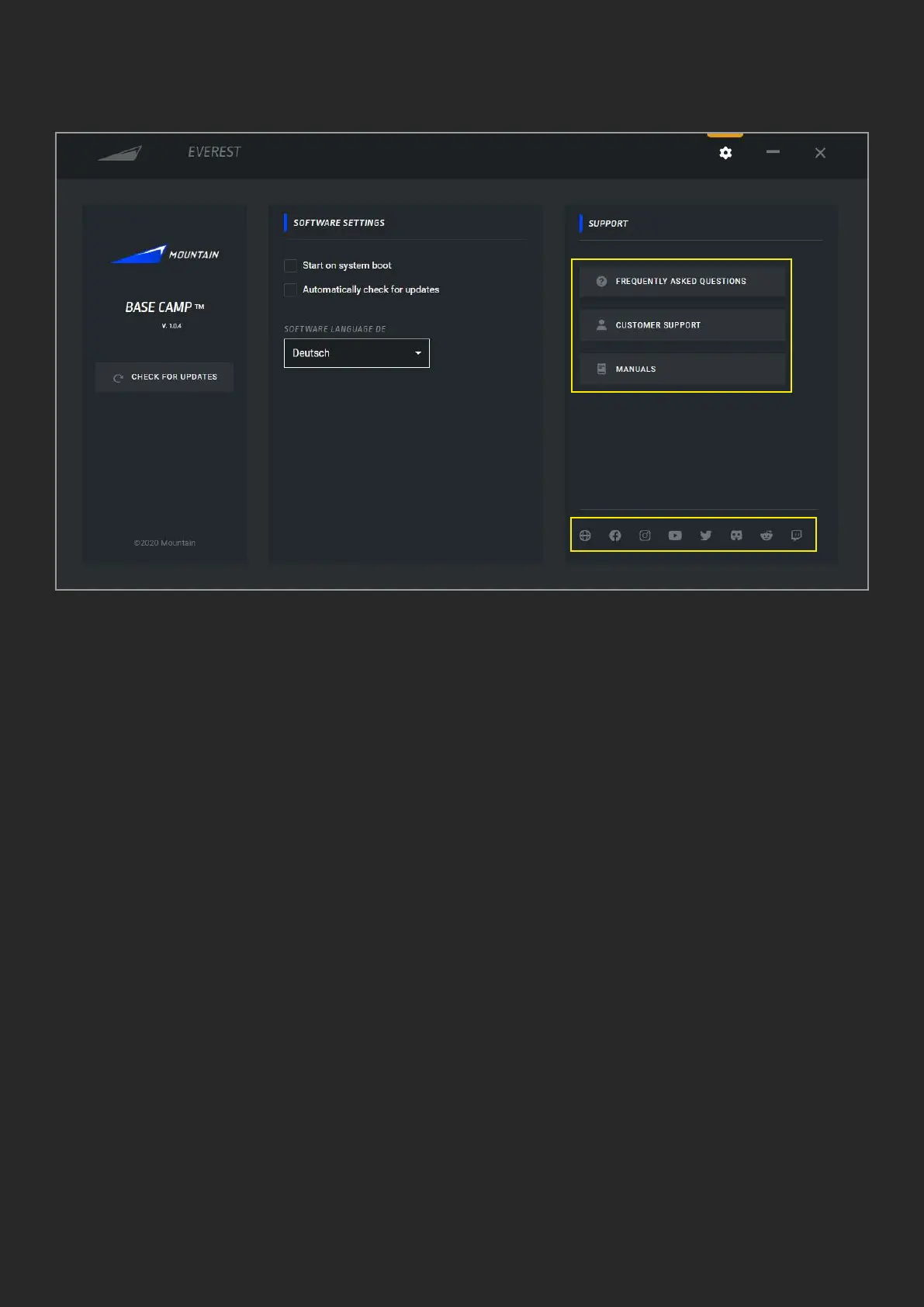
2. SOFTWARE SETTINGS
1. Version will show you the currently
installed version of Base Camp
2. Manually check for updates of Base
Camp (rmware update for each product is
on product settings)
3. Check this box to have Base Camp launch
automatically each time you start your
computer
4. Check this box to allow for Base Camp
to periodically ping our server for software
updates. If not checked, you will not
receive automatic updates
1
2
3
4
5
7
6
5. Change the language of Base Camp
6. Links to our social channels
7. Buttons with links to our support pages
and material



 To Next Page