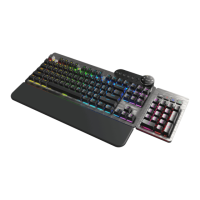
3. KEYBOARD EVEREST
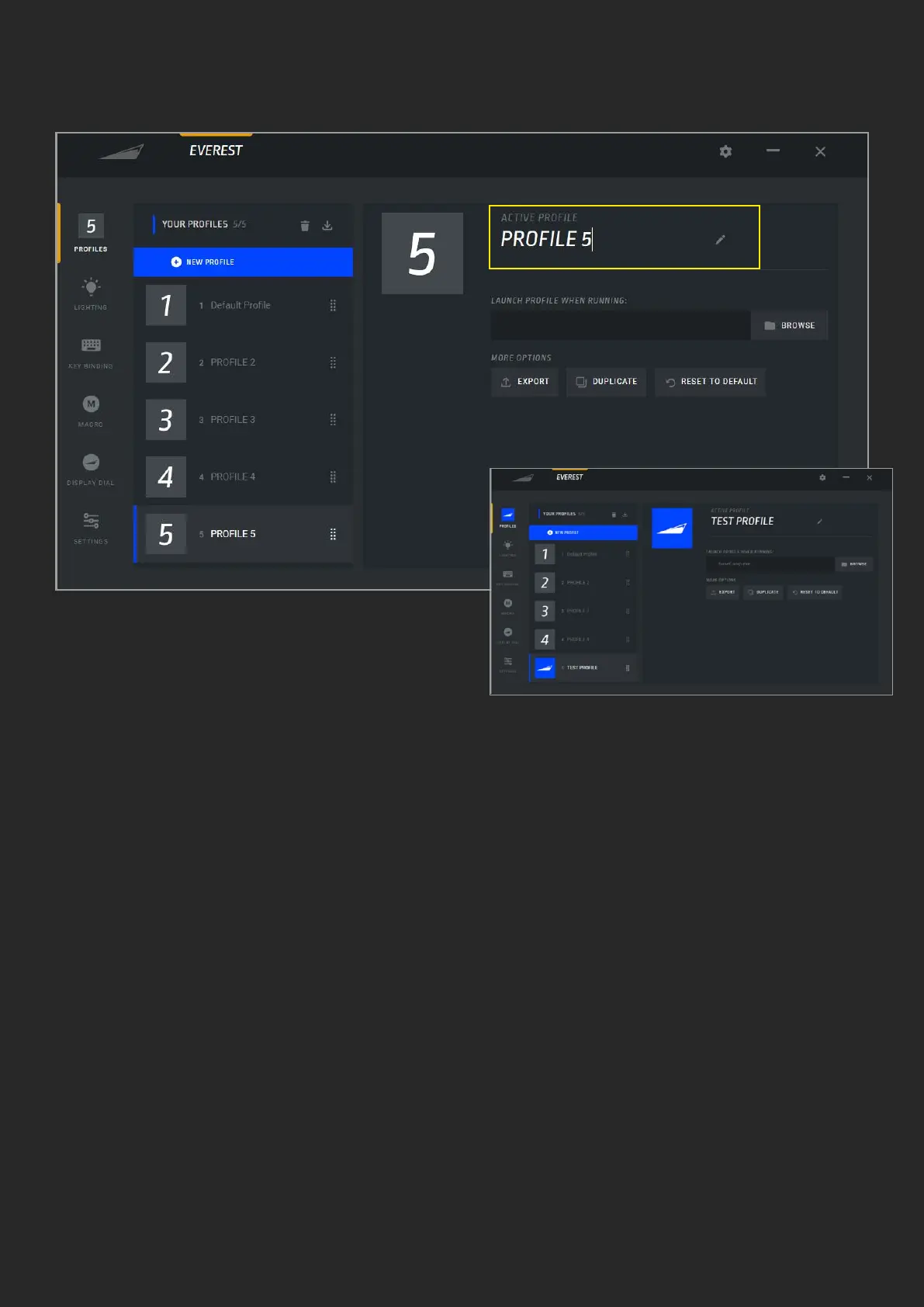
1. Currently active sub-menu. If set, the
prole button shows the user-selected
image
2. By default, prole 1 is active. More
proles can be added by pressing the “New
Prole” button. Up to 5 proles can be
created per product
3. Delete selected prole
4. Import previously exported proles or
proles shared by the community
5. Proles will by default be named “Prole
X” with X being ascending numbers, you
can enter a custom name here
6. To change the picture on the prole click
this button to select a default image or
upload your own image (s)
7. To switch to this prole automatically
whenever a certain application or game is
launched, use this button to browse to this
application or game
8. Export will allow you to save the prole
to a le on your system, as a backup or to
share with the community
9. Duplicate creates an exact copy of the
selected prole
10. Reset to default will set everything
in this current prole back to default,
including lighting, key bindings and any
custom settings
A. PROFILE
1
2
3 4 6
8
9
10
7
5


 To Next Page
 Loading...