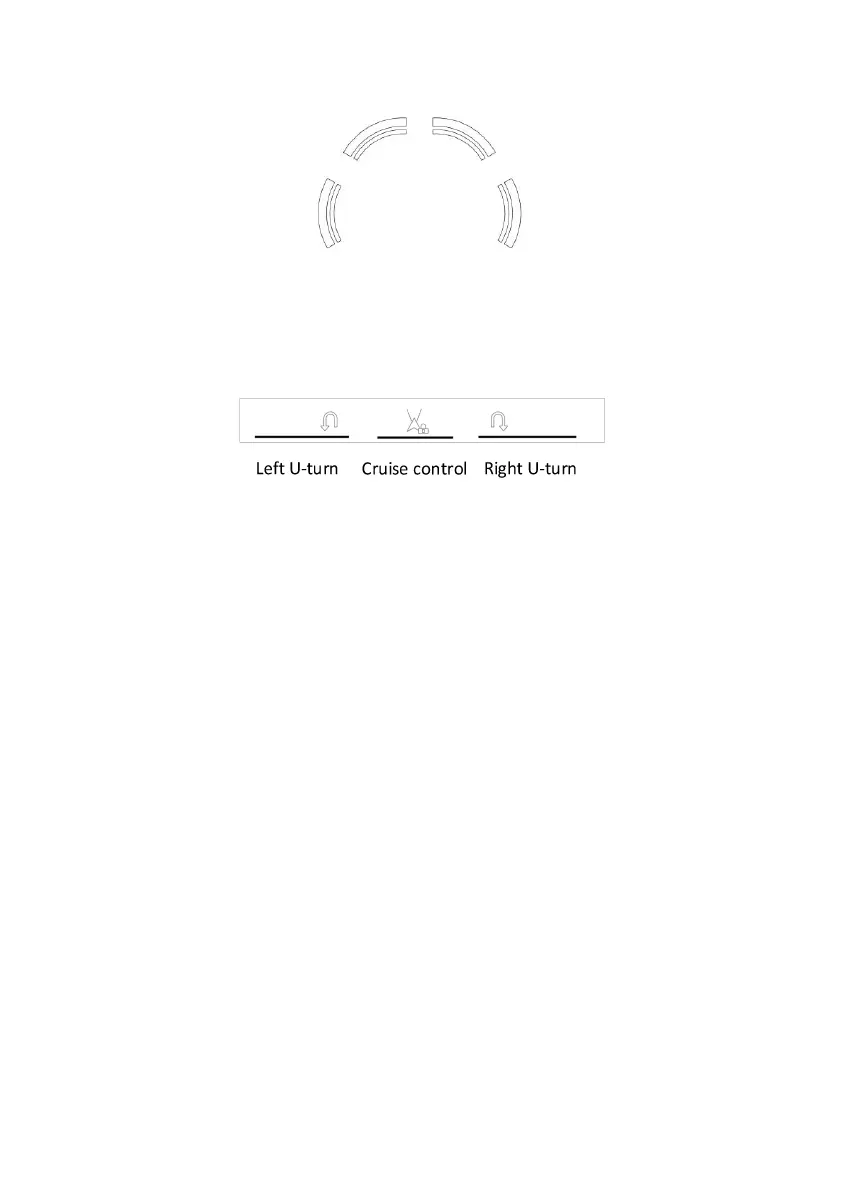
Robot information display area
This icon displays yellow to indicate that the ultrasonic radar in the corresponding
direction has detected an obstacle, and displays red to indicate that the obstacle is too
close (less than 30cm).
Assisted driving status area
When the corresponding icon lights up, it indicates that the assisted driving task is being
performed.
Blade status area
After starting the blade, the real-time power of the blade motor is displayed.
Expansion module status area
It can only be used after installing the auto-dumping bag. After installation, it can detect
whether the grass-bag is full, and then control the opening and closing of the
auto-dumping bag according to the prompts.
Notifications bar
When the robot triggers protection, errors/warnings, etc., it will be prompted here. Tap on
the notification bar will expand it, allowing you to view detailed information, obtain
operation tips, clear warning/error prompts, and other operations.
Settings page
Ultrasonic sensor switch: There are 4 ultrasonic sensors on the front left, front right,
left and right sides of the robot for obstacle avoidance. When passing through narrow
passages and other complex situations, you can choose to turn off the ultrasonic
obstacle avoidance function. In order to comply with safety regulations, after turning off
the ultrasonic sensor, the remote control distance is reduced to 20ft.(6m), and the
assisted driving function is disabled.
Voice prompts: turn on and off the voice prompts.


 To Next Page