EasyManua.ls Logo

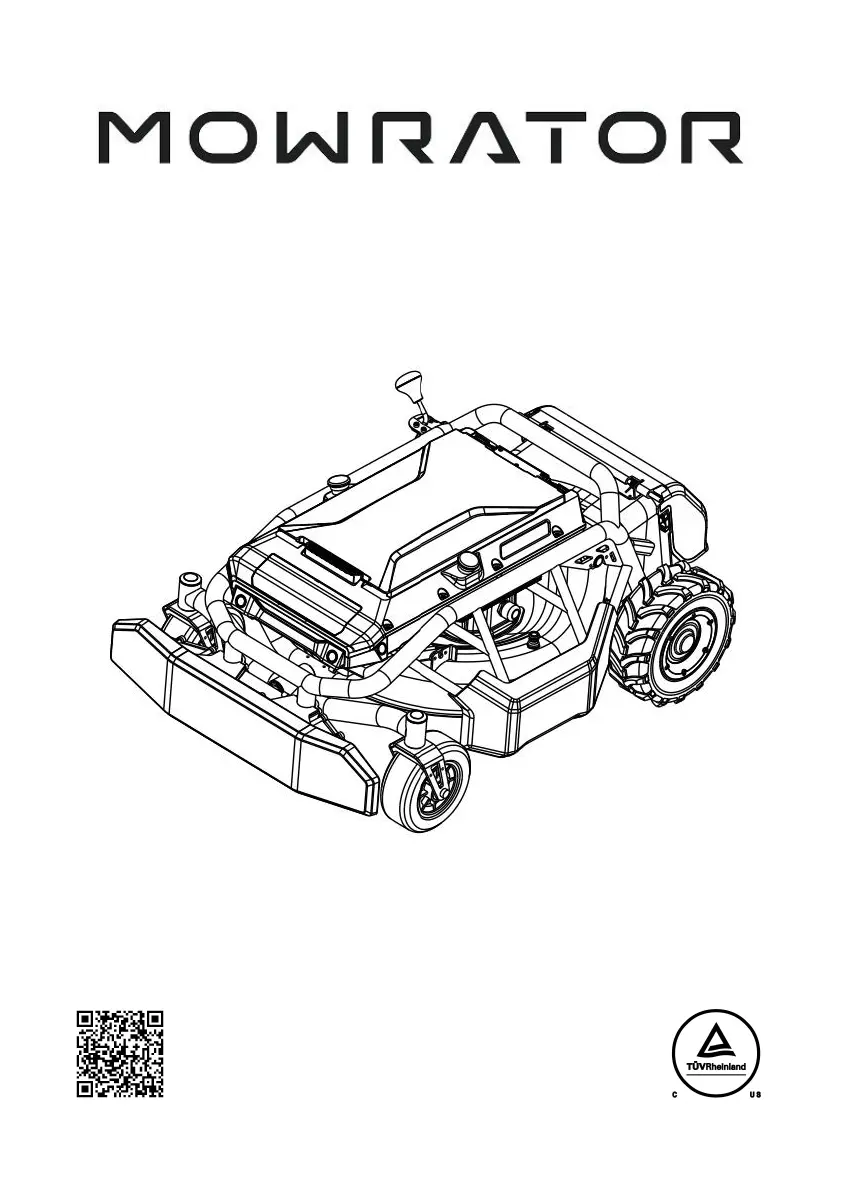
Mowrator S1 - User Manual

Mowrator S1
47 pages
Print Icon
To Next Page IconTo Next Page
Loading...
User Manual
Mowrator S1 21” - ZMLMS212WG1
V1.0 2024.04
Warning
To reduce the risk of injury, users must read and understand this User Manual before
using this product. Please keep this manual properly for future reference.
You can get the instructional video by scanning the QR code below.

Questions and Answers

  • W
    watsonsamuelAug 3, 2025
    What to do if Mowrator Lawn Mower robot cannot start?
    • T
      Tiffany GardnerAug 3, 2025
      If your Mowrator Lawn Mower robot won't start, several factors could be at play. First, ensure the battery isn't exhausted by charging or replacing it. Check that the battery cable is properly connected. If the battery is too hot or cold, allow it to return to a normal temperature. Also, inspect the battery connector for any water or debris that could cause a short circuit. Finally, if you're using an unofficial or damaged battery, try restarting or replacing the battery.
  • A
    Andrew KimAug 7, 2025
    Why does my Mowrator S1 Lawn Mower have short battery life?
    • H
      Hayley MorrisonAug 7, 2025
      If your Mowrator Lawn Mower exhibits short battery life, consider these factors: the blade load might be too high, so increase the blade height and travel slower. A dull blade can also drain the battery faster, so replace or sharpen it. Lastly, a high blade speed consumes more power, so reduce the blade speed or switch to Smart mode.
  • M
    Mike HayesAug 12, 2025
    What to do if my Mowrator S1 blade cannot rotate or stops automatically?
    • I
      ibarrarodneyAug 12, 2025
      If the blade on your Mowrator Lawn Mower won't rotate or stops, first check if the robot is in emergency-stop state, and if so, release the emergency stop buttons. If the blade motor stalls, move the robot to an area with low grass, raise the blade height, and try again. If problems persist, power off the mower, remove the battery, and clear any obstructions like branches or stones from the blade. If the blade's power system is overheating, wait for it to cool down. Also, ensure the battery isn't low, which can disable the blade; charge or replace the battery if needed.
  • J
    Joshua JimenezAug 16, 2025
    Why is my Mowrator Lawn Mower vibrating excessively and making abnormal noises?
    • C
      Crystal WadeAug 16, 2025
      Excessive vibration and unusual noise in your Mowrator Lawn Mower can stem from several causes. Check if the blade is loose or bent, causing imbalance; tighten the blade nut or replace the blade. If you're cutting too much grass at once or moving too fast, raise the blade height and slow down. Also, inspect the entire vehicle for any loose screws or structural parts and ensure they are properly fastened.
  • M
    Mr. Manuel Wells PhDAug 20, 2025
    What to do if Mowrator Lawn Mower robot cannot walk or stops?
    • B
      Barbara HinesAug 20, 2025
      If your Mowrator Lawn Mower robot won't move or keeps stopping, first ensure it's not in emergency-stop state by releasing the emergency stop buttons. Check the remote controller screen for error messages related to safety hazards like collisions or an open grass outlet cover, and address those issues. Remove any obstacles blocking the robot's path. If the travel motor is stalled, power off the mower, remove the battery, and clear any obstructions from the wheels. If the chassis is overheating, allow it to cool down. Additionally, a dull blade or improper blade height can hinder movement, so sharpen/replace the blade or adjust the height accordingly.
  • B
    Billy YoungAug 25, 2025
    Why is my Mowrator S1 not collecting grass or has poor grass collection?
    • K
      Kimberly NormanAug 26, 2025
      Poor grass collection with your Mowrator Lawn Mower may be due to a severely worn blade; replace it or use a high-lift blade. If the blade height is too low or the grass is wet, increase the blade height, wait for dry grass, or reduce the spacing between mowing routes. Insufficient blade speed can also cause this issue, so increase the blade speed or switch to Smart mode.
  • B
    Brenda ColemanAug 29, 2025
    What to do if the front wheels are stuck on Mowrator Lawn Mower or can't roll?
    • C
      cynthiawilliamsAug 29, 2025
      If the front wheels of your Mowrator Lawn Mower are stuck, it's likely due to excessive grass clippings or rust between the wheels and the bracket. Regular cleaning and lubrication maintenance are the suggested solution.

Summary

Safety Information

Safety Signs

Essential safety warnings, symbols, and operating rules for user protection.

Safety Rules

Basic precautions for operating the electric lawn mower to reduce risks.

Safety Protection Device

Explains the various safety features and their functions.

Battery Safety

Important safety warnings and precautions related to battery handling.

Disclaimers and Warnings

Important notices on product use, user responsibility, and age limits.

Product Description and Specifications

Product Description

Overview of the lawn mower's purpose, features, and intended use.

Product Parameters

Technical specifications including weight, size, rating, frame, and area.

Battery Life

Details on battery run time under different load conditions.

Battery Overview

General description of the battery's design and compatibility.

Battery Specifications

Detailed technical specifications for the 12Ah and 18Ah batteries.

Setup and Installation

Unboxing

Steps for safely removing the lawn mower and accessories from the carton.

Component Installation

Guides for installing drive wheels, grass outlet cover, and grass bag.

Mulching Insert Installation

Instructions for fitting the mulching insert for shredding grass.

Operation Guide

Starting the Lawn Mower

Step-by-step process to power on and begin operating the lawn mower.

Blade Management

Information on blade selection, removal, installation, and cleaning.

Indicator Light Status

Explanation of different indicator lights and their meanings.

Maintenance and Storage

Maintenance Procedures

Guidelines for regular upkeep to ensure optimal performance and longevity.

Storage and Safekeeping

Guidelines for storing the lawn mower safely and properly.

Battery Storage

Recommendations for storing the battery pack under various conditions.

Troubleshooting

Mower Troubleshooting

Solutions for common malfunctions and operational problems.

Remote Controller Troubleshooting

How to resolve common issues with the remote controller.

Battery Troubleshooting

Solutions for common issues related to battery power and charging.

Remote Controller

Description and Operation

Overview of the controller's functions, interface, and usage.

Advanced Functions and Settings

Using assisted driving, speed adjustments, and controller settings.

Controller Charging

Instructions for charging the remote controller.

Controller Storage

Guidelines for proper storage of the remote controller.

Compliance and Warranty

Warranty Guide

Details on product warranty coverage and policy exclusions.

FCC Compliance

Information regarding FCC regulations and RF exposure guidelines.

Mowrator S1 Specifications

General IconGeneral
BrandMowrator
ModelS1
CategoryLawn Mower
LanguageEnglish