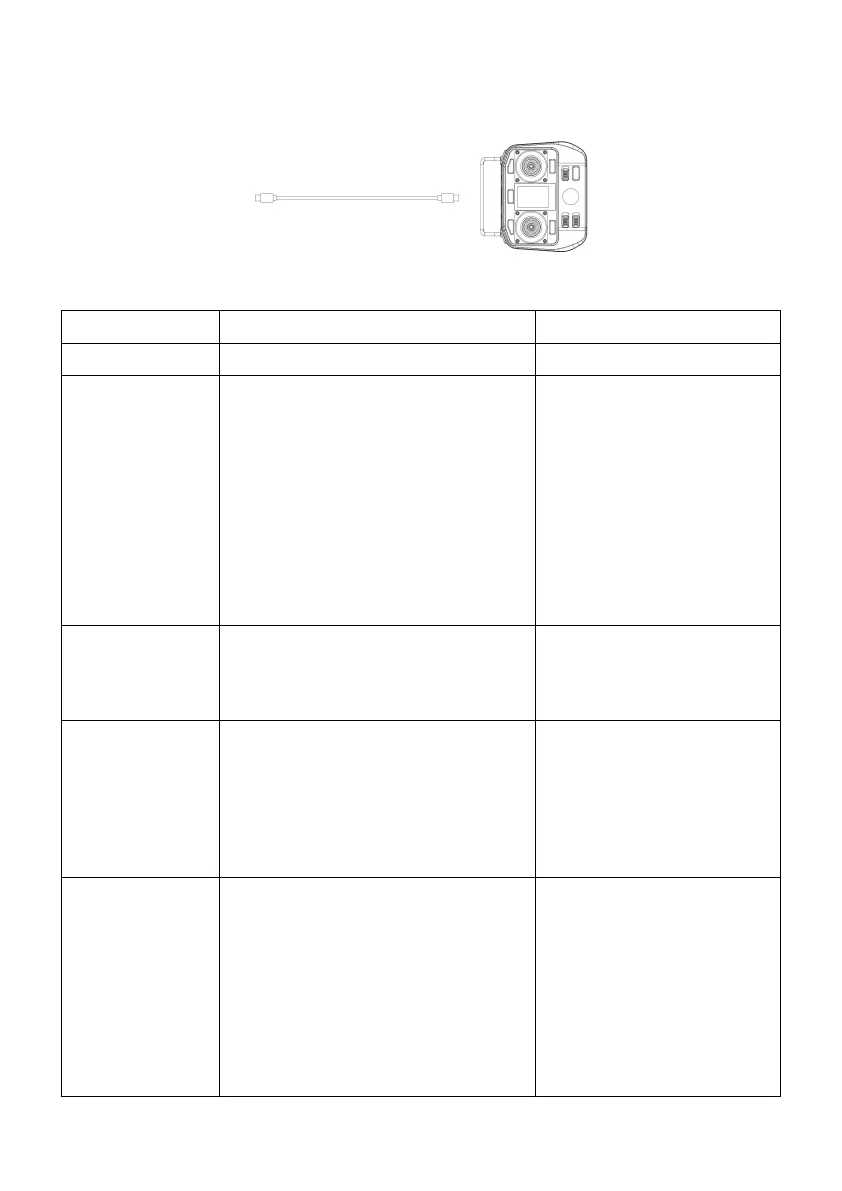
Note: Some dedicated chargers may not be able to charge the Mowrator remote control.
Please use a more universal charger.
Troubleshooting
1.Some dedicated chargers are not
able to charge the Mowrator remote
control.
2.USB cable is abnormal.
3.The charging port is abnormal or
dirty.
4.The ambient temperature is too low
<32℉(0°) or too high >104℉(40°).
1.Replace with a suitable
charger for charging.
2.Replace USB cable and
verify.
3.Clean the charging port
and try again.
4.Try again at a suitable.
ambient temperature.
The joystick does
not rebound or
return to center
1.The lever is stuck in gravel.
1.Clean the lever and
dust-proof silicone.
The joystick has
been returned to
center, but the
machine is still
moving slowly
1.The joystick needs calibration.
1.Calibrate the joystick in
the settings. If the problem
still exists after calibration,
you need to contact
after-sales service.
The machine is
not controlled by
the remote
control
1.Not connected to the machine.
2.The machine generates error
warnings.
3.Signal too poor.
1.Follow the prompts to
connect to the machine.
2.Check the notification bar
for detailed information and
operation tips.
3.Please move closer to the
machine and try again.


 To Next Page