Need help?
Do you have a question about the Moza CS V2 and is the answer not in the manual?
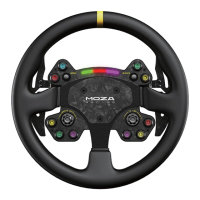
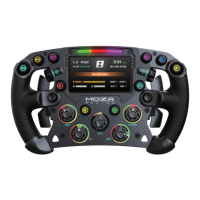
Configures joystick input, allowing push buttons or cross keys.
Sets indicator status modes: rotating speed, off, or always on.
Selects between two indicator display modes with detailed explanations.
Adjusts the timing relationship for rev speed and shift indicator lights.
Controls the brightness level of the shift indicator light.
Allows changing indicator color by dragging color blocks to the indicator.
Calibrates shifter paddles if any abnormalities are detected.
 General
| Brand | Moza |
|---|---|
| Model | CS V2 |
| Category | Video Gaming Accessories |
| Language | English |


 To Next Page