English
17
English
16
1. MPIO Manager 2 Installation
MPIO Manager2 is the Communication Window between the com-
puter and MP3 Player. You can download a music file
(MP3/WMA/ASF) stored in the PC to MPIO and upload a file (data
file/record file etc.) stored in MPIO to the PC.
- Due to the copyright restrictions on Music File
(MP3/WMA/ASF), you cannot upload it to the computer.
- If you install MPIO Manager 2 program on the PC while it is
connected to MP3 Player, the Manager Program might misop-
erates. Please remove USB Cable from PC before installing
MPIO Manager 2 program.
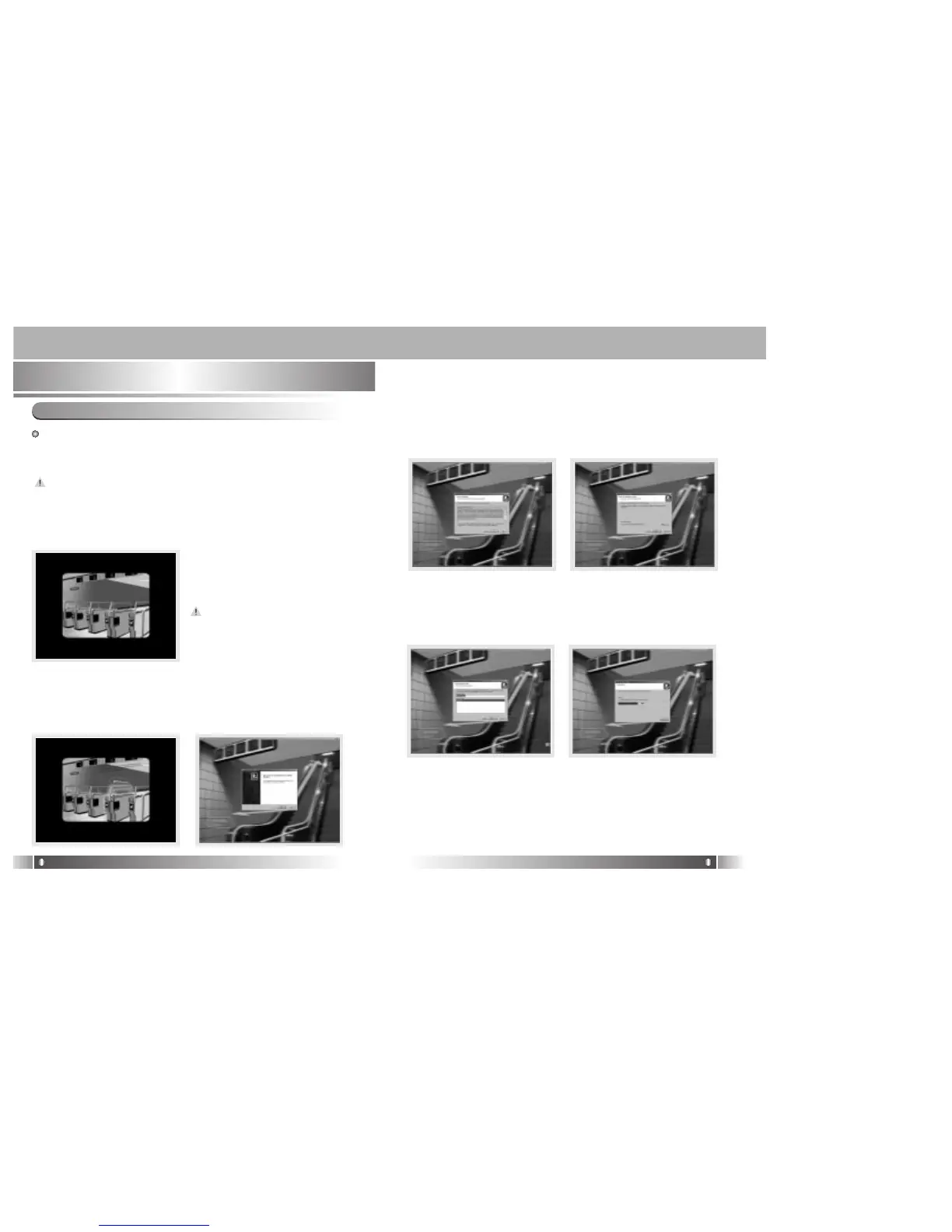
1.Turn on the PC and insert the
Install CD into the CD-ROM
Drive.
: The Install Menu Screen will
display automatically.
- If the Install CD is not run
automatically, double-click
on [My Computer] on the
desktop.
- Select CD-ROM Drive(D: or
E: ) and run the install CD
by double-clicking it.
2. Click on the MPIO Manager 2
to install the Menu.
: MPIO Manager 2 Setup Window
appears.
3. This is the MPIO Manager 2
Install Wizard. Click [NEXT],
if you agree to install.
4. If you agree to the stipula-
tions, click on the 'Yes' but-
ton.
5. Assign the Installation Path
of MPIO Manager 2. In order
to assign a different path,
click on the [Browser] but-
ton to select a location of the
program installation.
6. Assign the location of MPIO
Manager 2 in the program
folder.
7. MPIO Manager 2 is
installing. If the installation is
completed, MPIO Manager 2
icon will be appeared on the
desktop.
• MPIO Manager 2



 To Next Page